How to build a co-sponsored/branded content piece in Flex
Build a co-sponsored or branded content piece in Flex, then get it embedded correctly inside a partner's page, without breaking layout, load time, or your UTMs.
BY Mary Mattingly
October 16th 2026 – 8 minutes
GUIDES & TOOLS


How to build a co-sponsored/branded content piece in Flex
Building a sponsored content piece is the easy part. Getting it to actually work once it's dropped into someone else's CMS is where most of these builds quietly fail. That means not breaking their layout, not tanking load time, and not losing every UTM parameter you spent budget acquiring. This is the one guide in our ongoing series built around that second half, because almost nothing in this format ships as a standalone Flex URL.
What is co-sponsored content, and why does embedding make it different?
Co-sponsored and branded content is any experience where a sponsor funds or partners on content a publisher creates and hosts. It's distinct from a static ad unit because it's a full interactive piece, and distinct from every other format in this series because it's almost always delivered as an embed inside a publisher's existing page, not a page of its own. That single fact changes the build: beyond assembling components, you're building something that has to survive living inside someone else's CMS.
Build the piece: dual branding, not single
Component assembly here works the same way it does for a landing page (see Guide #1) with one real difference: you're theming for two brands at once, not one.
Editorial storytelling, one publisher plus one sponsor. See this at work in Vice × Ralph Lauren's Snow Beach anniversary piece.
Brand-to-brand content hubs, two brands co-presenting a serialized experience like in Dallas Cowboys × Pepsi's "Star Crossed", with its own persistent chapter menu.
Co-branded partner landing pages, two aligned brands driving one shared action. See United Airlines × Air New Zealand.
Vendor thought leadership, a single sponsor's content written and hosted in a trade publication's own editorial voice.
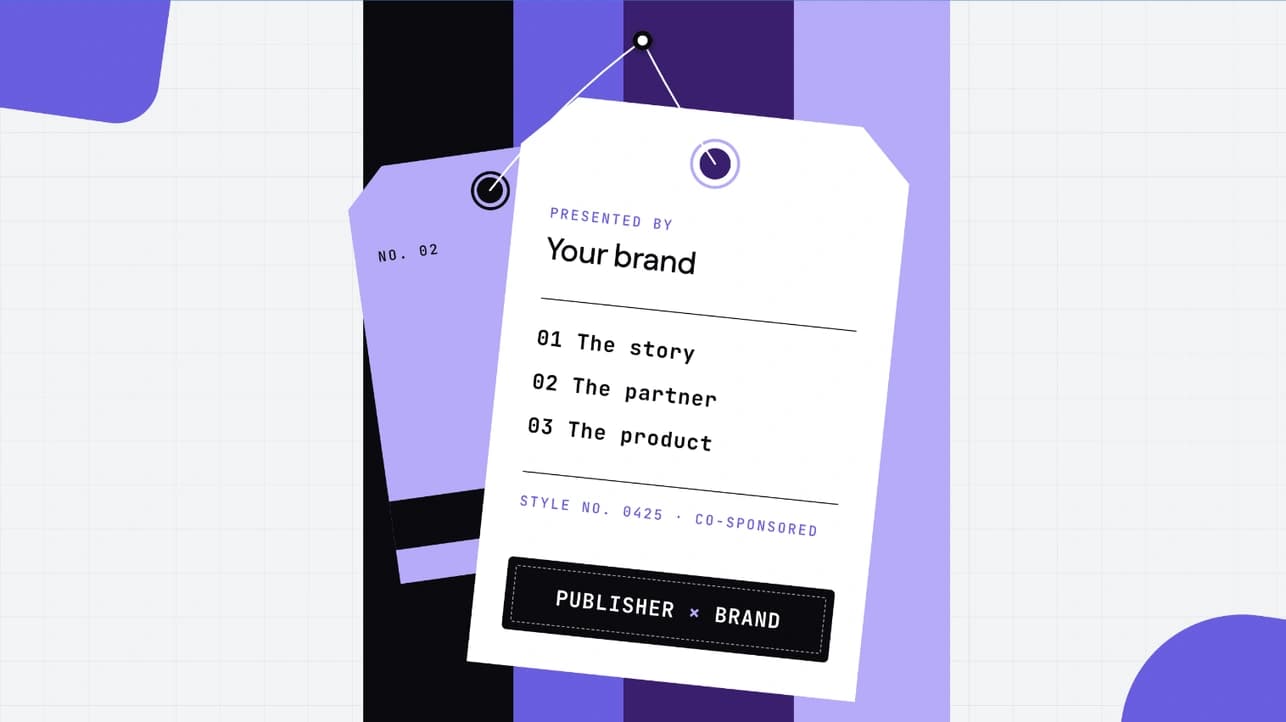
The components that carry the dual-brand load: a Header for the lockup (side-by-side logos or a "[Publisher] presents" treatment), Cards for benefit or case-study callouts, Testimonials for exec or interview quotes, and Navigation/Menus for anything with more than a couple of chapters.
The lockup. The Kinetic Header handles the side-by-side logo treatment or a "[Publisher] presents" lockup at the top of the piece.
Benefit and case-study callouts. The Cards component gives you a hoverable grid for sponsor benefit points or case-study highlights.
Exec or interview quotes. The Quote Module is built for a single testimonial or pull-quote moment.
Chapter navigation. For anything with more than a couple of chapters, the Anchor Navigation Menu gives readers a persistent way to jump around. This is the same job the chapter menu does in the Dallas Cowboys × Pepsi piece above.
Brand Kit compatibility now covers most Inspire components, but a pasted component that doesn't match your kit won't auto-style. You'll see a prompt offering to update it, and it's easy to miss. Confirm current behavior before publish; this UX is actively being reworked.
The embed workflow: getting it live inside a partner's page
Flex ships through four delivery methods, and which one you pick here isn't cosmetic. It decides how sizing, performance, and tracking all behave once the piece is live on someone else's site:
Standalone: the experience lives at its own published Flex URL, with no embedding at all (rarely what a co-sponsored build actually needs, but it's an option).
iFrame: the classic embed. Loads the experience inside a separate nested frame, boxed off from the host page with its own scrollbars. Simplest to drop into most CMS fields.
Inline (Flex Inline): injects the experience directly into the host page with no iframe at all, scoped in a Shadow DOM so styles stay separate. Still rendered client-side, just without the iframe box. That means faster load and a more native feel. Currently in beta; see Ceros's guide to embedding Inline for the beta limitations. This is the one to reach for when the piece has pinned sections, scroll-triggered animation, or sticky navigation that needs to survive inside someone else's layout.
Server-Side Rendering: the host's server fetches and renders the experience as part of its own page response. It's the only one of the four that's actually rendered server-side, and the strongest option for SEO and AI crawlability. It's a build-it-yourself integration rather than a drop-in embed code, and currently in beta; see Ceros's guide to hosting with Server-Side Rendering for the build steps. For the full comparison across all four methods, see Ceros's Flex Delivery Methods guide.
The mechanics, once you've picked a mode: copy the embed code from Flex's Toolbar → Integrations, confirm what field type the host's CMS actually needs (a straight iframe snippet, an oEmbed-enabled field that fetches the code from a pasted URL, or a full script-and-div snippet for Inline), and paste it in. One thing worth saying plainly because it trips people up: a Ceros preview link will not load once embedded, so remember to publish the experience first.
Before any of that, get the host publication's constraints in writing: whose branding is required versus merely permitted, whether it's a full-page takeover or surrounded by the host's own header and footer, and the exact content-column width you're building to (not the site's full width, which comes up again below). And tag your sponsored outbound links for SEO (rel="sponsored"). Flex has no native setting for this on a Go to URL interaction. The one documented workaround (an SDK-based fix) is confirmed for Studio, not Flex specifically, so check with product before promising it in a Flex context. Either way, that kind of fix comes with a real trade-off: it breaks native right-click and open-in-new-tab behavior on that link.
What to watch for
Responsive sizing inside a third-party page
An iframe doesn't automatically resize to its content, which means dynamic filtering or pinned scroll sections can leave dead white space, or force a double scrollbar on the host page. Pinned and scroll-triggered sections are the one case a standard iframe can't solve on its own. It can only pin content by scrolling inside itself, which is what creates the double scrollbar above. Inline has an experimental fix for this (a manually-added data-flex-scrolling-mode="sticky" attribute, not yet available in the embed-code UI), but it's still in beta, only works on fluid/responsive experiences, and isn't guaranteed to play nicely with every host page. Test it on the actual build before promising a client it'll solve their layout. For the basics of how sticky and fixed positioning work inside Flex itself, see Ceros's guide on responsive content positioning.
Get the host's actual content-column width before you build, not the site's full page width. A wrong number here means resizing every template after the fact. That's a real, avoidable rebuild.
Finally, we recommend using fully responsive mode when building this type of content. Remember to confirm the layout is working correctly on an actual phone, not just a resized browser window.
Load behavior
A heavy interactive piece embedded inside someone else's page adds weight to a page you don't control the rest of. Two concrete things to check before launch: that no asset (video is the common offender) is loading twice, and that a global tracking integration on either side isn't double-firing a pixel inside the embed. Both are easy to catch in a Lighthouse pass and easy to miss without one.
Tracking and UTMs on an embedded asset
This is the one worth getting right, because it's the easiest to get wrong invisibly. An iframe is a separate document from its host page. That means anything inside the embed, like a form or a tracking script, cannot read the parent page's URL or UTM parameters by default. A UTM-tagged link to your sponsored piece will not, on its own, pass that attribution data to anything living inside the embed.
The standard fix is a small script on the host page that reads the UTM parameters off the parent URL and appends them to the embedded iframe's source, so whatever's inside can pick them up. Ceros's own native analytics won't help here either. It reports referral domain and direct traffic, not UTM breakdowns, so campaign-level reporting needs GA4 or GTM layered on top regardless.
Which side owns that tracking setup depends on your delivery mode. With Standalone or iFrame, Flex can inject GA4 or GTM itself. With Inline or Server-Side Rendering, Flex is a guest on the host's page and injects nothing. The host's own analytics has to listen for the events Flex fires and forward them, and there's no built-in UTM-retention handling in that mode. We've seen this exact problem surface on a real sponsored-content build, where a form embedded inside the piece stopped receiving UTM data correctly until Support built a custom fix.
Best practices
Confirm the delivery mode matches what the piece actually needs. Don't default to iframe out of habit if there's pinned or scroll-triggered content involved.
Test UTM pass-through end to end before the campaign goes live, not after the first attribution report comes back empty.
Run a Lighthouse pass on the host page post-embed, not just the standalone Flex experience.
Get the host's exact content-column width in writing before you build, not after.
FAQ
FAQs
Ready to build your own co-sponsored piece? Start building in Flex for free and work from the component categories covered above.