Enhance engagement: top 9 interactive storytelling tools in 2024
We all love a good story. When told effectively, stories forge emotional connections with our audience, like a cherished bedtime tale from a trusted grandparent.
But here's the catch—it needs to be told right, tailored to captivate and engage your specific audience.
To pull this off, you need the right tools in your arsenal—tools that can bring your stories to life and keep your audience enthralled from start to finish.
In this guide, we'll explore exactly which tools can elevate your storytelling game and leave a lasting impact on your audience.
Disclaimer: The information below is accurate as of August 19, 2024.
BY Mary Mattingly
August 19th 2024 – 8 min read
GUIDES & TOOLS


Enhance engagement: top 9 interactive storytelling tools in 2024
Top interactive storytelling tools: comparison table (with features & pricing)
As a storyteller, your craft lies in crafting narratives that hook your audience. However, navigating through a sea of storytelling tools may not be your everyday forte.
Fear not.
Finding the right tools to elevate your storytelling prowess is tough. That’s why we’ve curated this comprehensive comparison table just for you. It offers a detailed overview of each storytelling tool on our list, complete with key features, pricing options, and everything you need to make an informed decision.
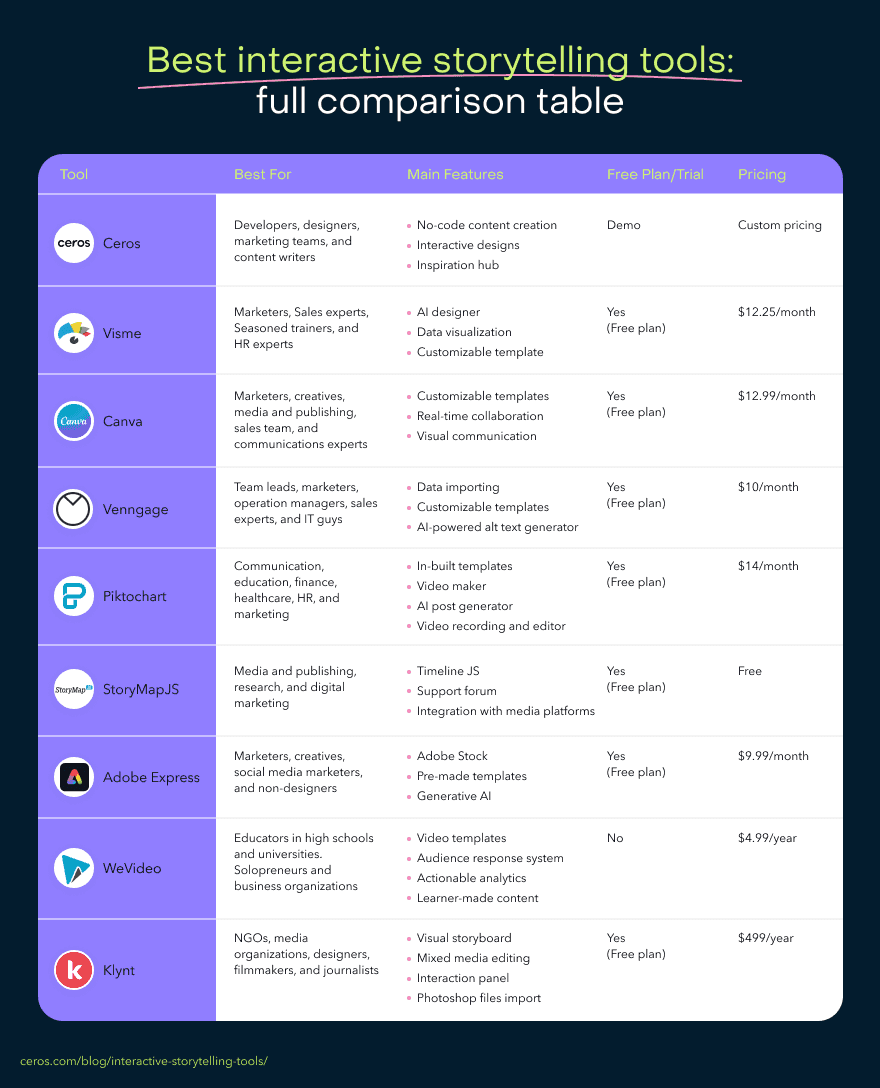
Curious about each tool's specialty but short on time? We've condensed their key use cases into a quick reference list, so you can swiftly pinpoint which tools align best with your storytelling needs before diving deeper.
Let's take a quick tour. ▶️
Best interactive storytelling tools by use case
In the same way every story has a defining plot, the storytelling tools on our list equally have their defining use case.
Let’s look at them in detail:
Ceros — Best no-code platform for interactive content creation.
Visme — Best visual communication and design tool.
Canva — Best drag-and-drop design software.
Venngage — Best infographic maker.
Piktochart — Best AI-powered infographic tool.
StoryMapJS — Best for creating maps that tell stories.
Adobe Express — Best content creation tool.
WeVideo — Best interactive video editing software.
Klynt — Best interactive visual storytelling tool.
Like what you’ve seen so far, right?
It’s time to unpack these bad boys and see all they’ve got to offer.
So, shall we?
Tool #1: Ceros
Ceros is a no-code content creation platform that allows you to effortlessly create, collaborate on, and scale premium interactive content across different stages of the customer journey.
So, how does it help you be a better storyteller?
Ceros lets you create interactive and visually stunning content that can keep the audience engaged. Instead of passively consuming content by reading or watching it, they can actively interact with it by clicking, scrolling through, or hovering over the content.
Here, the content comes alive so the audience is immersed in it.
With its intuitive interface, no coding skill is needed to give people an experience they won’t forget. You can just pick a template that represents the experience you want to give them and modify it.
Standout capabilities
It helps you create content at scale using premade templates or a drag-and-drop editor.
Supports real-time collaboration with your teammates as it lets them edit the interactive content, annotate, and leave feedback concurrently.
Creating content on Ceros is super duper easy.
Best for
Developers, designers, marketing teams, and content writers.
Top features
Studios to produce interactive designs that’ll surprise your audience.
Inspiration hub to give you solid ideas before you start creating content.
Pricing
Ceros has a custom-based pricing system, meaning you’ll have to ask for a quote if you’re interested.
So, request a demo to see how it works.
Tool #2: Visme
Ah yes, Visme.
It calls itself the all-in-one marketing and design tool.
And that’s a perfect description of what it offers.
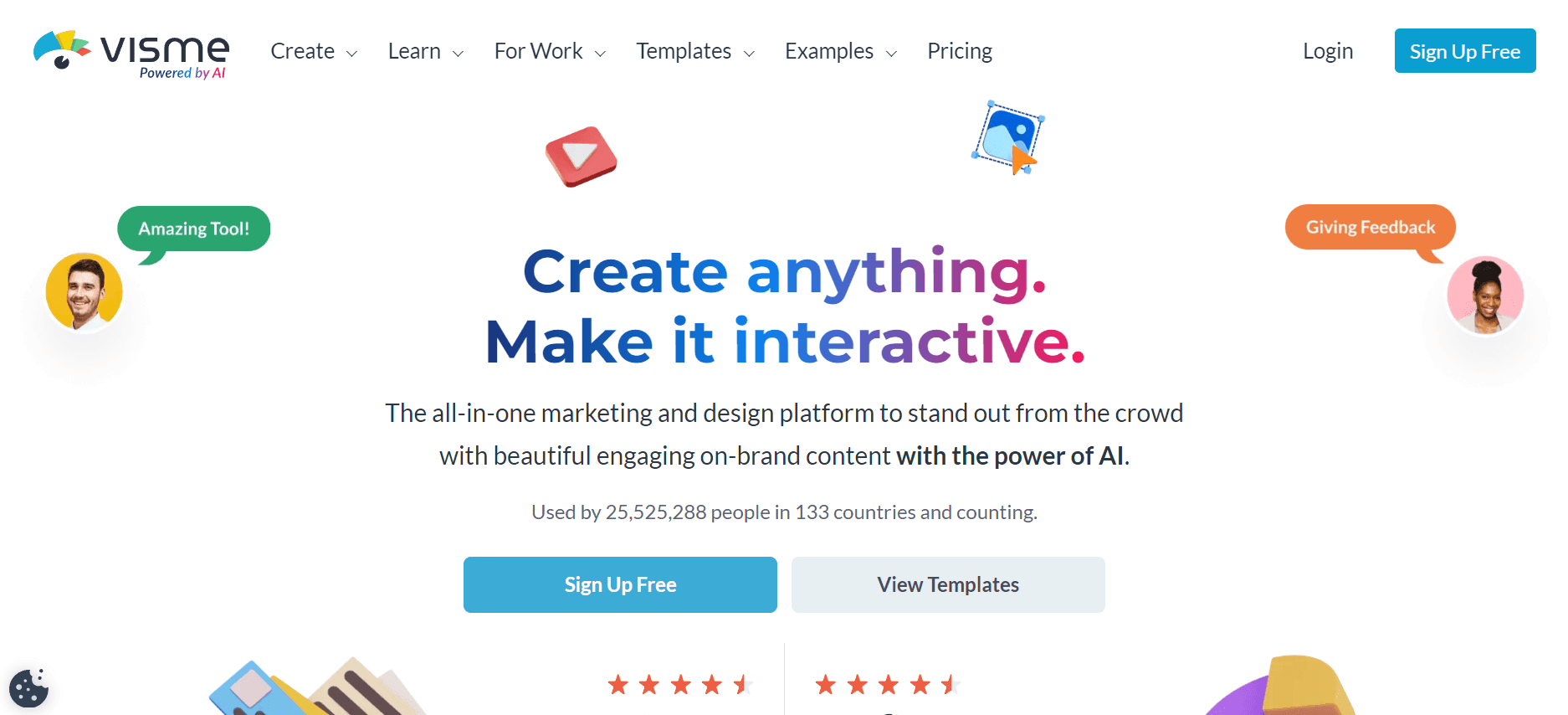
Image Source: Visme
It’s a digital tool for designing presentations, interactive charts & graphs, social media graphics, videos, and mockups.
With Visme, you no longer have to wait for designers to create engaging designs. It features loads of customizable templates you can edit to create content your audience loves.
Carlos Taylor, a Visme user, had nothing but praise for this tool.
“As a content creator and editor, I like Visme! It has all the necessary features that allow you to create plenty of engaging content! I've been using it every day for the past year and I must say — it was super easy to implement it into our department!”
Standout capabilities
It has an intuitive interface. So you don’t need training to get started.
Visme’s templates are versatile. There’s one for any project.
It has a lot of interesting fonts for creating engaging content.
Downsides to consider
Extended downtime when exporting or downloading files.
Resizing animations can be a bummer.
Occasional slow loading times.
Best for
Marketers, sales experts, seasoned trainers, and HR experts.
Top features
AI designer for generating designs using text prompts.
Data visualization to transform stats into compelling graphics.
Animations to add interactive elements to your content.
Customizable templates so you don’t have to start creating from scratch.
Pricing
Visme has a free plan that’s available for everyone. But it also has paid plans that start at $12.25 per month.
Tool #3: Canva
You know Canva, don’t you?
The design tool you’ve used to create graphics for your social media pages.
Well, you can now use it to spruce up your content. And make it more engaging for users. Especially with its new Magic AI.
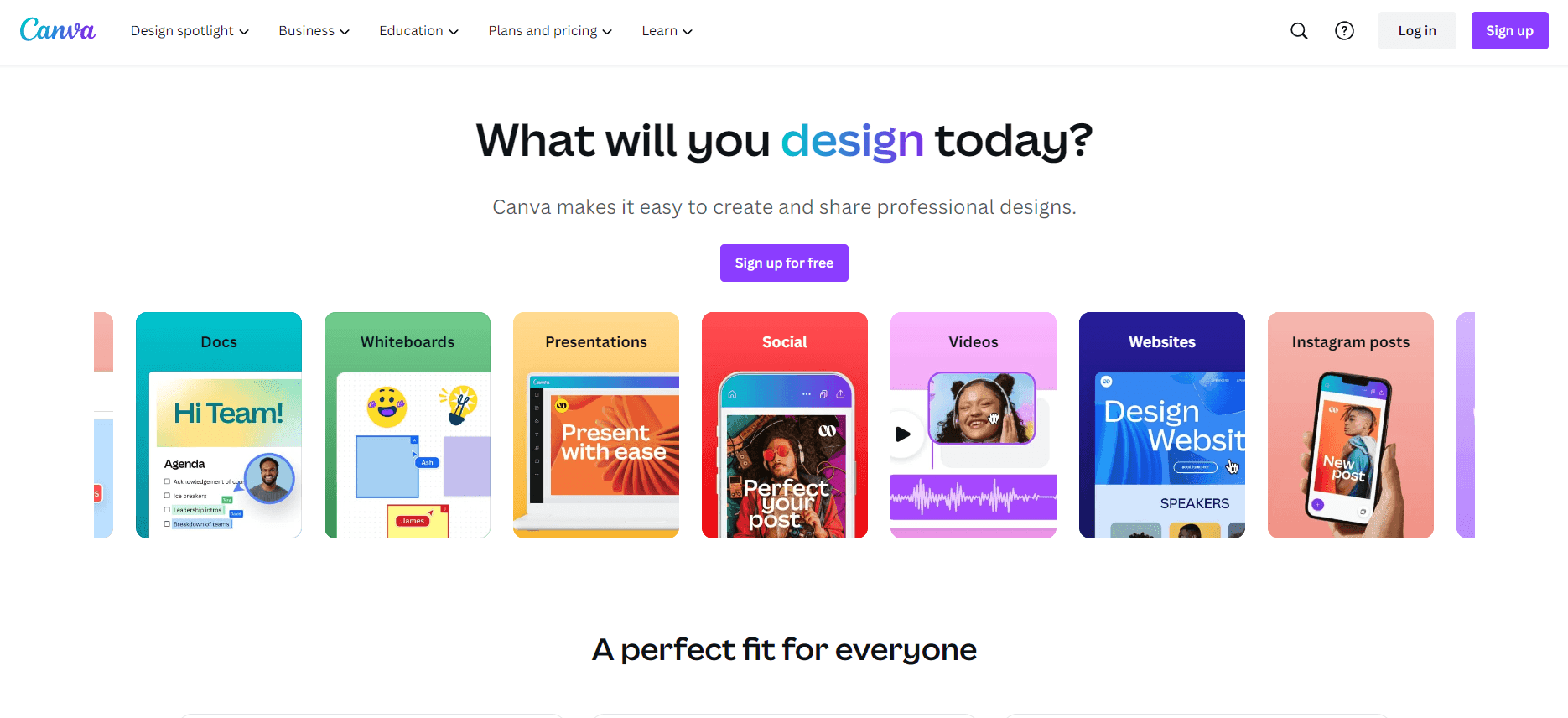
Image Source: Canva
In addition, this Magic AI allows you to:
Generate copy for your design and add images to make your existing content more interactive.
Produce custom design and videos using text prompts or uploading media from your library.
Standout capabilities
Technical knowledge isn’t required.
Intuitive and clean user-friendly interface.
Wide range of customization options.
Downsides to consider
Limited font options for design.
You have to be online for the magic to happen.
The free version has limited features.
Best for
Content marketing stars, creatives, media & publishing guys, sales teams, and communications professionals.
Top features
Content creation to produce cool content.
Customizable templates to design.
Real-time collaboration so everyone on the team can chip in.
Visual communication to engage your audience better.
Pricing
Canva has a free forever plan with the paid plans starting at $12.99 per month.
Tool #4: Venngage
You’re a marketer and have some solid ideas you need to share with the higher-ups.
You’ve written them down. But they’re simply blocks of text, all looking boring.
That’s not what you want. You need people to get hooked when the presentation begins.
And that’s where Venngage comes in.
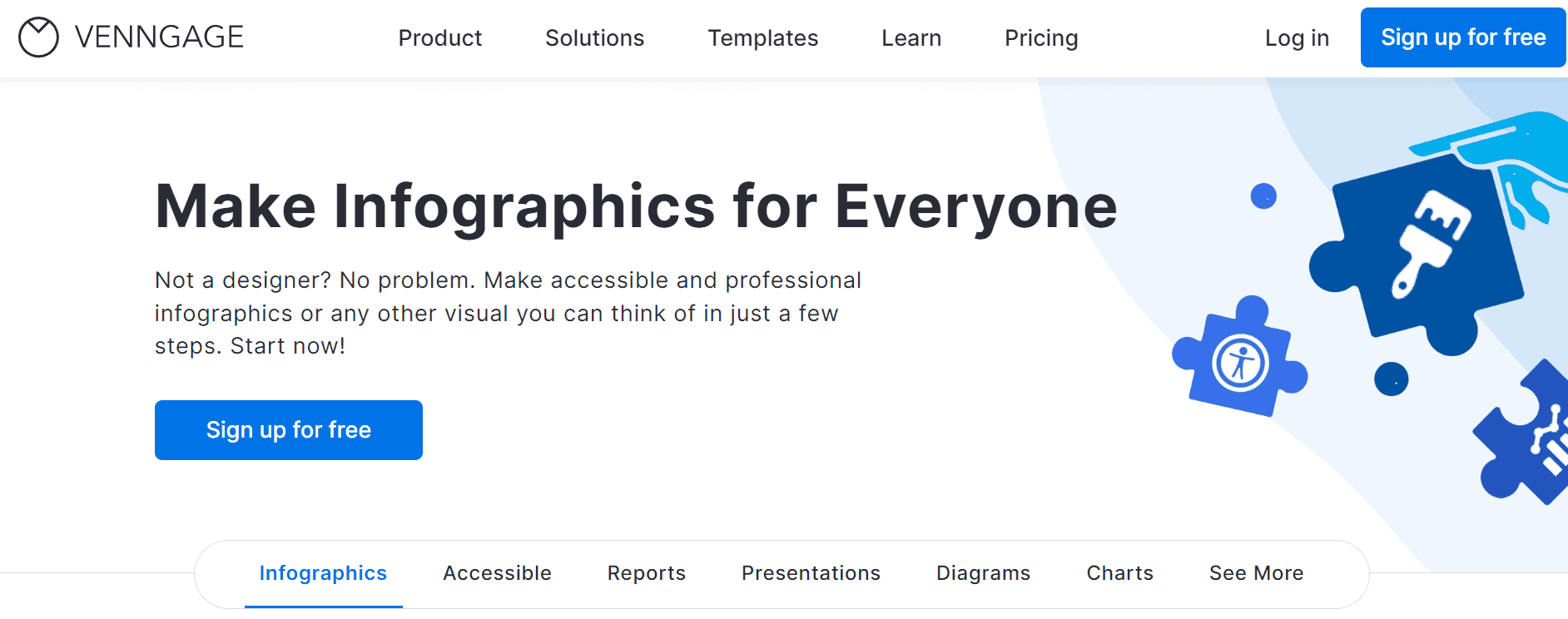
Image Source: Venngage
According to Debbie K., “Venngage is an all-in-one tool for creating visual content like infographics, presentations, timelines, and much more.”
Simply put, it’s a tool that can help you create professional-looking infographics. You can use Venngage to design reports, white papers, newsletters, brochures, and more.
Basically, you get to make those boring documents look fun to read.
Standout capabilities
You have lots of colorful templates to choose from.
You get easy customization tools.
There are great options for sharing designs.
Downsides to consider
Some templates are difficult to edit.
Limited icons for design.
Best for
Team leads, marketers, operation managers, project managers, sales experts, IT guys.
Top features
Data importing to add data so you can visualize it.
Customizable templates to save you time when creating designs
Drag-and-drop editor to help you customize designs.
AI-powered alt text generator to help you produce captivating captions.
Pricing
Vennage has a free-for-all plan. But its paid plans start from $10 per month, per user.
Tool #5: Piktochart
If you’ve ever created presentation slides before, you’ll agree there’s an art to it.
Either you know how to do it like a pro or you don’t.
Now what if all you had to do to design infographics and produce cool videos was come up with a prompt?
That’s what Piktochart offers.
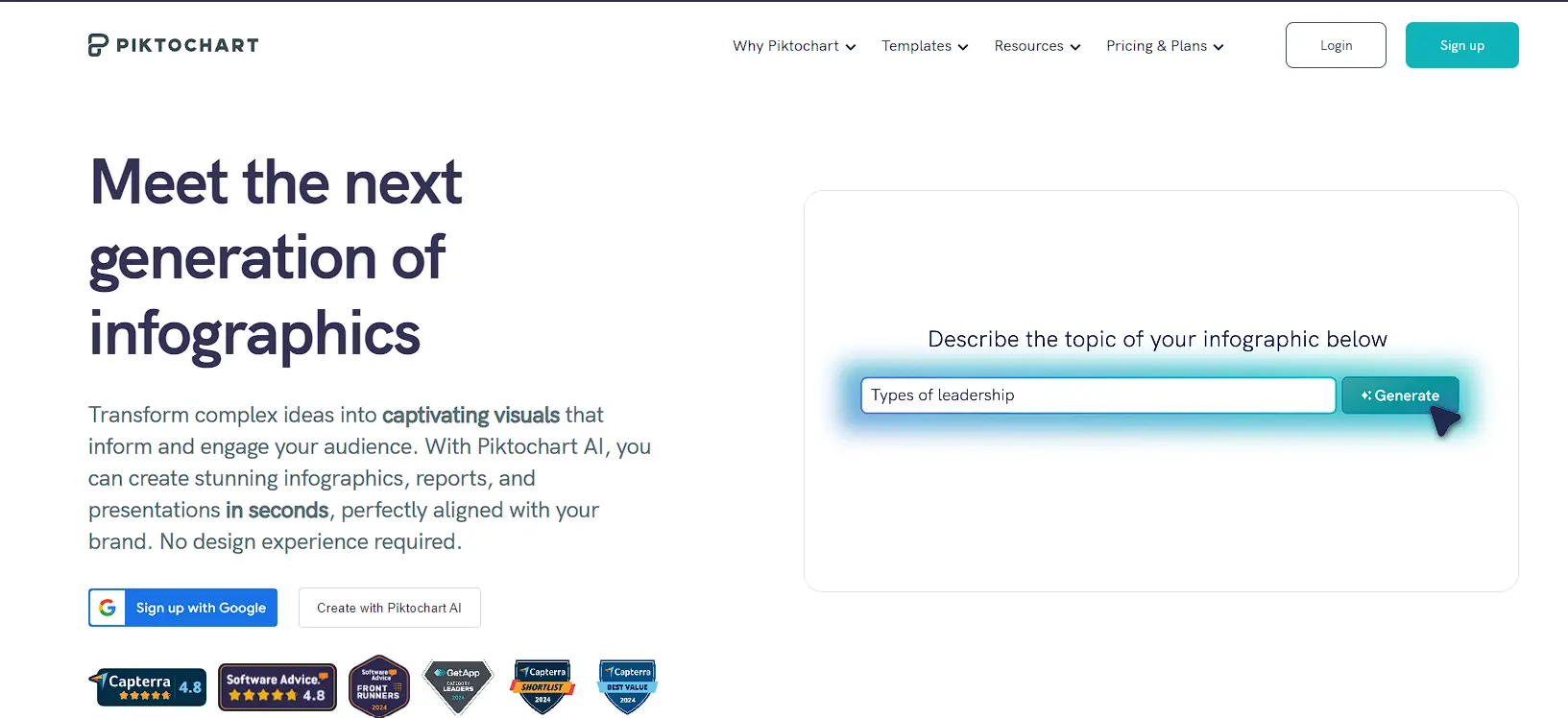
Image Source: Piktochart
It’s an AI-powered visual maker that can help you generate graphics and videos in seconds.
You get to transform boring, complex data into compelling visuals.
In a nutshell, Piktochart can help you tell stories using banners, reports, infographics, etc.
Here’s what one user, Asheshwar A., said when asked what he likes about Piktochart:
“It's easy and simple to make use of the application which allows creating infographics and presentations promptly and with no time and effort. It provides layouts that can be modified and changed, [lets us] customize the text, and the font, and [use] our own pictures or those provided by the application.”
Standout capabilities
Graphic design tool for creating visuals.
It’s easy to use.
Downsides to consider
Some template designs aren’t responsive.
Graphics design knowledge is sometimes needed.
Best for
Communication experts, educationists, HR professionals, and marketers.
Top features
In-built templates to start designing ASAP.
Video maker to make your content more engaging for the audience.
AI post generator to come up with captions that have hard rizz.
Video recording and editing to produce more digestible content.
Pricing
Piktochart comes with a free plan that’s easily accessible to everyone. It’s also got paid plans starting at $14 per user, per month.
Tool #6: StoryMapJS
You know all those cool maps you see in video games?
The kind where you hover over a location and get some details about it by the side. Like this:
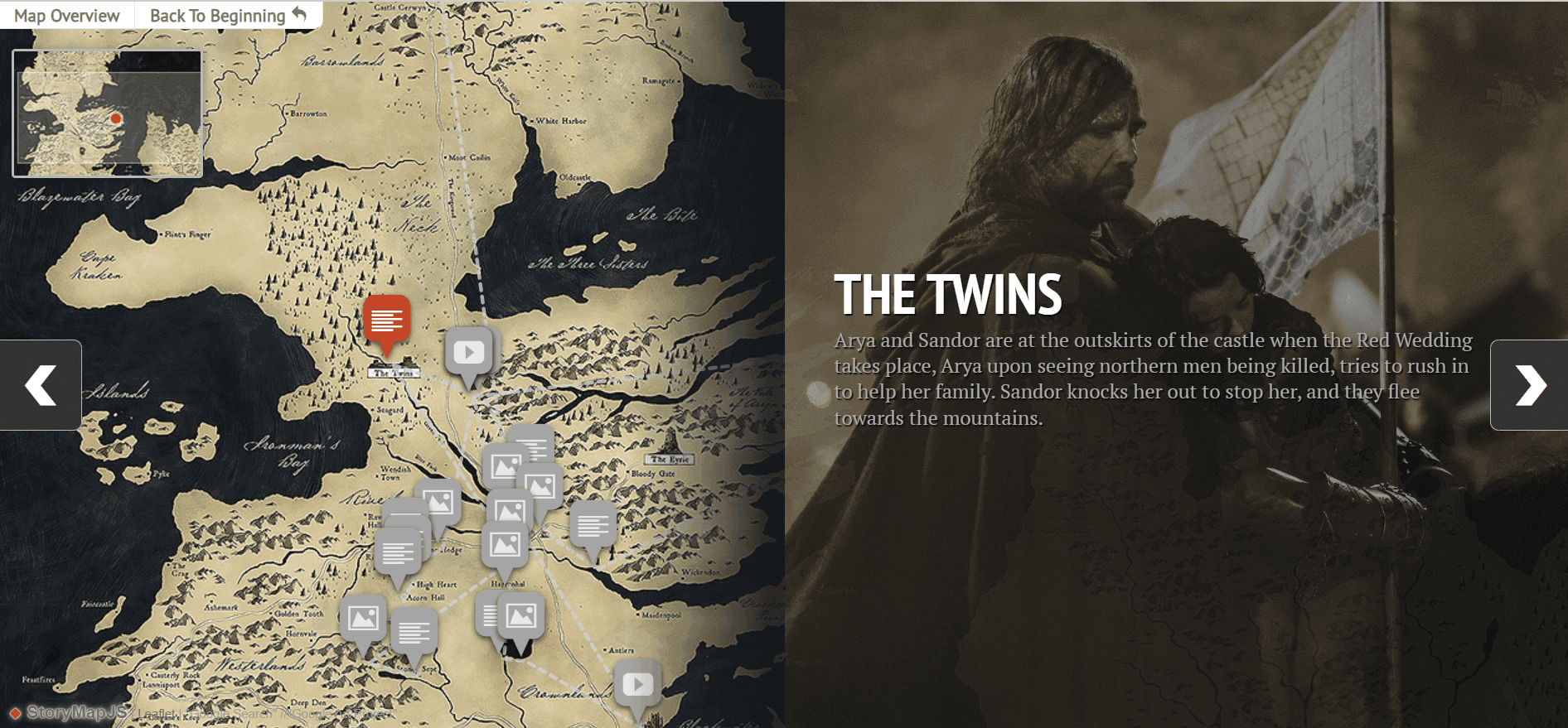
Image Source: StoryMapJS
They’re such a cool way to tell stories and grab people’s attention.
Now, what if we told you could make them yourself?
With StoryMapJS, you can craft an engaging storyline that highlights the location of the event.
To make a story map, you can use a map or a large image file. Alongside stories with location narratives.
Standout capabilities
You can import media from sources online.
Getting started is pretty straightforward.
Downsides to consider
Only one person can edit story maps.
Without a Google account editing can get a little complicated.
Best for
Professionals in media and publishing, research, and digital marketing.
Top features
Timeline JS so you can create a beautiful timeline of your stories.
Support forum to give you all the help you need.
Integration with media platforms like Twitter, Flickr, Vimeo, etc.
Pricing
StoryMapJS is free to use at the moment.
Tool #7: Adobe Express
A tool in the Adobe Suite, Adobe Express lets you level up your storytelling game by simplifying how you create engaging visuals.
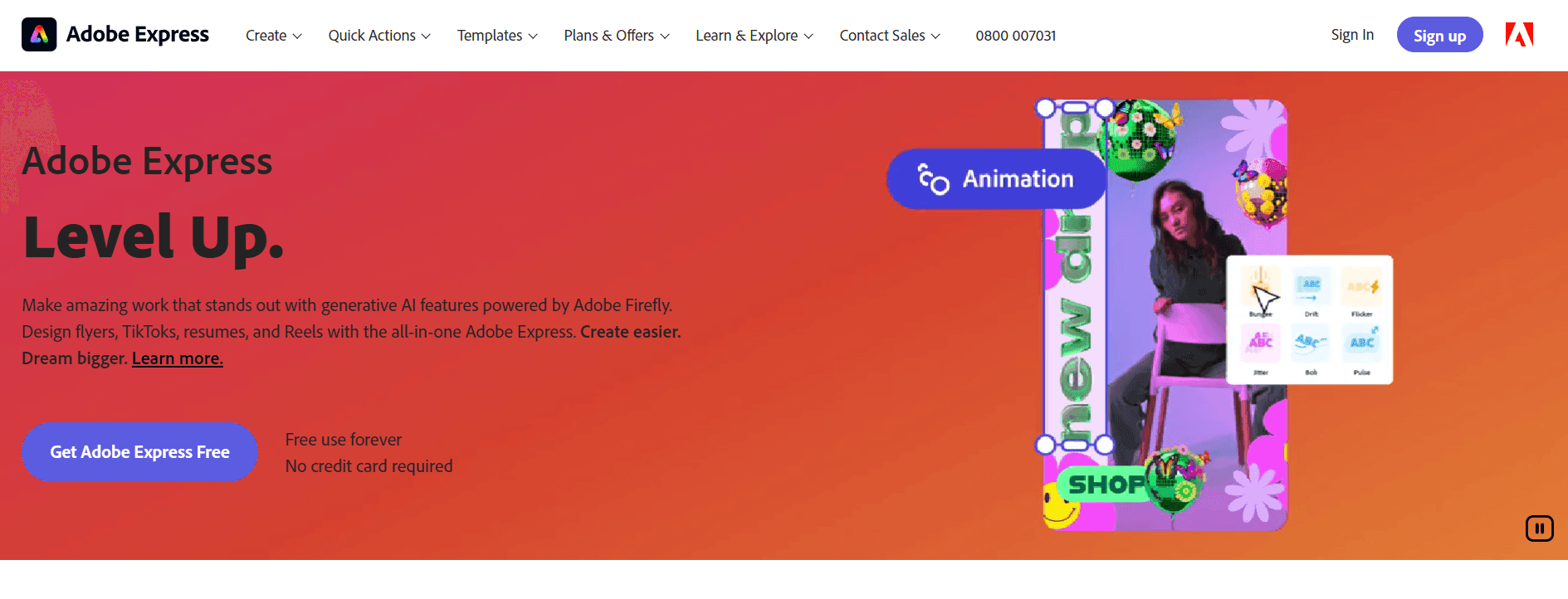
Image Source: Adobe Express
With the help of pre-made templates and generative AI, you can create social media posts, videos, photos, and marketing materials like logos, business cards, posters, etc.
All you’ll need to do is describe what you want to create and the AI whips up something.
Standout capabilities
Diverse range of features are available from editing tools to background remover, drag-and-drop video creation, and more.
Attractively priced.
Downsides to consider
It might take a while to learn how to use it.
Best for
Marketers, creatives, social media marketers, and generally non-designers who create interactive designs.
Top features
Adobe stock for access to royalty-free images, videos, and audio.
Pre-made templates to help you create unique content.
Collaboration so you can work with teammates.
Generative AI to add some magic to your work.
Pricing
Adobe Express offers a free version. But it also has paid plans starting at $9.99 per month.
Tool #8: WeVideo
If you’re a professional trainer, WeVideo is a tool you should have in your corner.
It’s an interactive video-creation software program for producing videos that can better engage your audience.
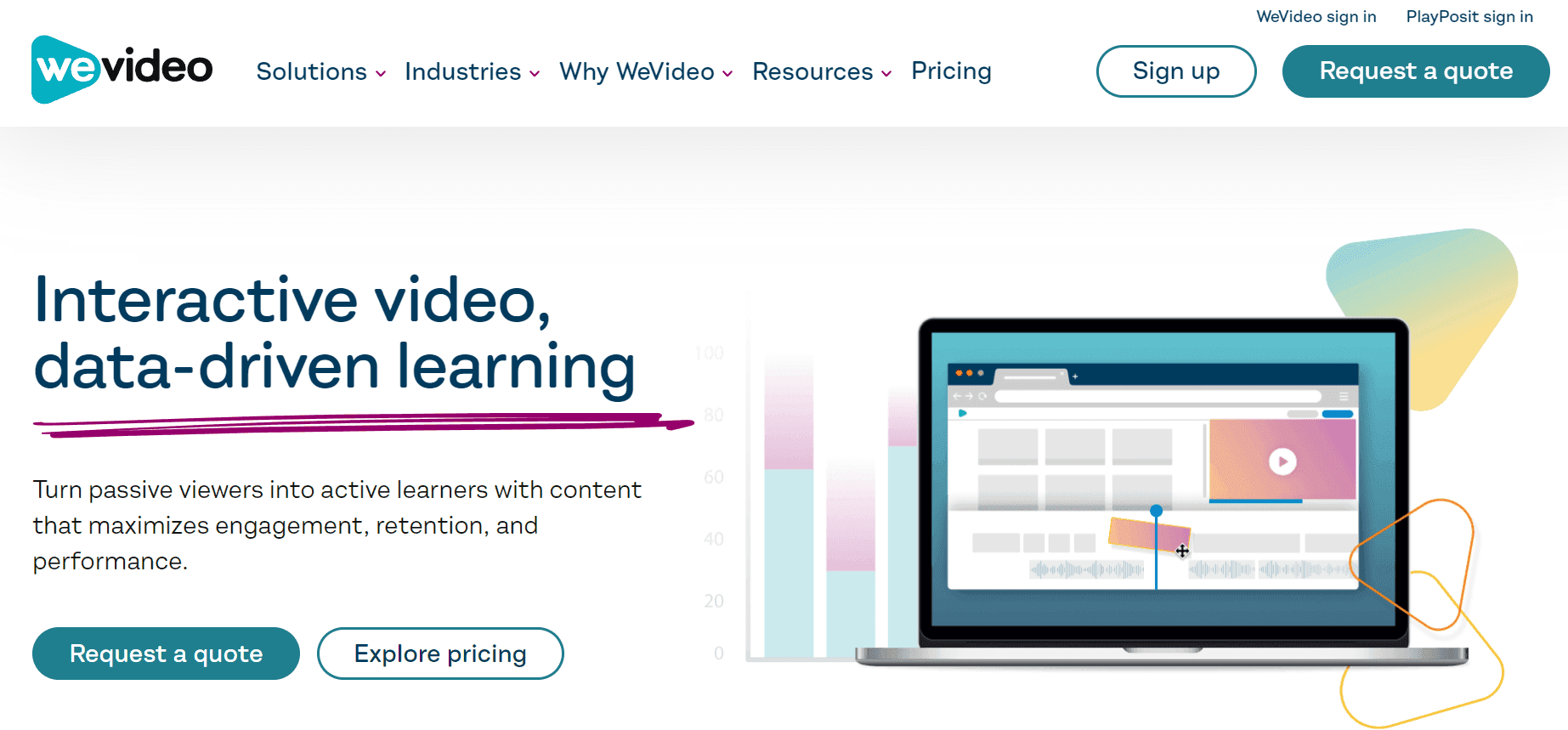
Image Source: WeVideo
With WeVideo, you can record videos, edit them, add interactions like live note-taking and questions, and analyze the results in real time.
Plus, it doesn’t have a steep learning curve.
Here’s what David Tisdale, a marketing director said about WeVideo:
“WeVideo gives us the ability to scale our video offerings without extensive staff training or design experience.
I’m blown away by what WeVideo is doing and the improvements I’ve seen over the past few years. While other video editors eat up my machines, WeVideo is so responsive. It doesn’t take us long at all to create videos using the tool.”
Standout capabilities
Easy to learn. Zero editing skills are required.
Has a responsive interface.
Downsides to consider
Exporting projects can be complicated.
Moving transitions is also a challenge.
Best for
Educators in high schools and universities. Solopreneurs and business organizations.
Top features
Video templates to inspire your next project.
Audience response system to enable your audience to respond to questions in real time.
Actionable analytics to monitor how your audience is engaging with your materials.
Learner-made content to get the audience to produce their own multimedia.
Pricing
WeVideo has plans for different categories, including
Power: $4.99/month ($59.88/year)
Unlimited: $7.99/month ($95.88/year)
Professional: $19.99/month ($239.88/year)
Business: $36.99/month ($443.88/year)
To get a comprehensive overview of their pricing, visit their website.
Tool #9: Klynt
Last but not least is Klynt.
An interactive editing and publishing tool.
If you’re a storyteller or filmmaker, this software can help you create immersive experiences that’ll leave your audience hungry for more.
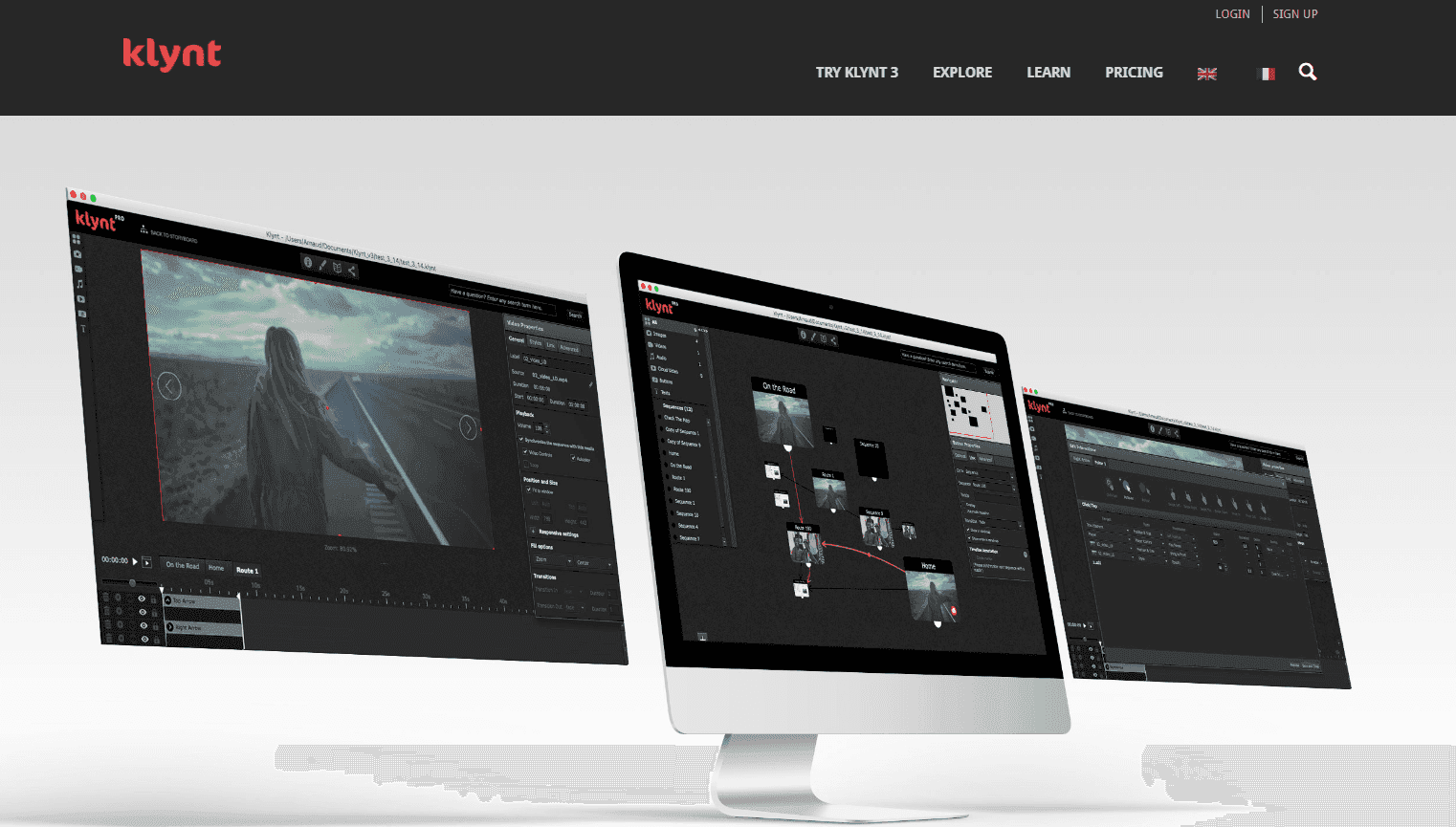
Image Source: Klynt
You get to embed multimedia like audio, videos, and text. Create markers to note key moments in your content.
Now, how does it make content interactive?
Well, Klynt has an interaction editing panel where the magic happens. There, you can select elements (media content) and trigger actions.
Plus, it has a visual storyboard where you can structure what your content will look like.
Standout capabilities
It has tons of interactive features such as visual storyboards, trigger actions based on user behaviors, and custom maps.
You can create, edit, and publish content from Klynt.
Downsides to consider
Klynt’s interface isn’t user-friendly.
Best for
NGOs, media organizations, designers, filmmakers, and journalists.
Top features
Visual storyboard to organize your narratives the way you like.
Mixed media editing so you can edit content by adding text and visuals.
Interaction panel to control your users’ experience.
Photoshop files import to get graphics into the Klynt platform.
Pricing
Klynt has a 14-day free trial for all users. But its paid version costs $499.
***
Like what you’ve seen so far?
Pretty sure you have.
But now you’re wondering which one’s best. Or how to know which one to go for.
Well, we’ve got something for you in the next section.
Looking for an interactive storytelling tool?
With all the tools we’ve mentioned so far, you’re probably overwhelmed.
But you don’t have to be.
Not when you have Ceros as your interactive buddy.
It can help you create content that’s visually appealing to your target audience.
Plus, you get to add interactive elements people can engage with and monitor how they interact with the content.
You can see it for yourself now.
Schedule a free demo with Ceros. You won’t want to leave anymore!