How to build an event landing page, speaker page, and recap in Flex
Planning an event? Build an event landing page, a speaker page, and a post-event recap in Flex, starting from event templates you can duplicate.
BY Lydia Burns
October 27th 2026 – 6 minutes
GUIDES & TOOLS
How to build an event landing page, speaker page, and recap in Flex
Your event needs three pages, not one: a pre-event microsite, a speaker page, and a post-event recap. Most event pages are a flyer with a form, and they only cover the first moment. Here's how to build all three in Flex, starting from templates you can duplicate today.
What is an event landing page?
An event landing page is a single web page built to get people to register for, attend, or engage with an event. It typically includes the event's pitch, agenda, speakers, logistics, and a registration call to action. Interactive versions add tabs, carousels, and scroll effects so attendees find what they need faster and keep exploring long enough to register.
Why one event needs three pages
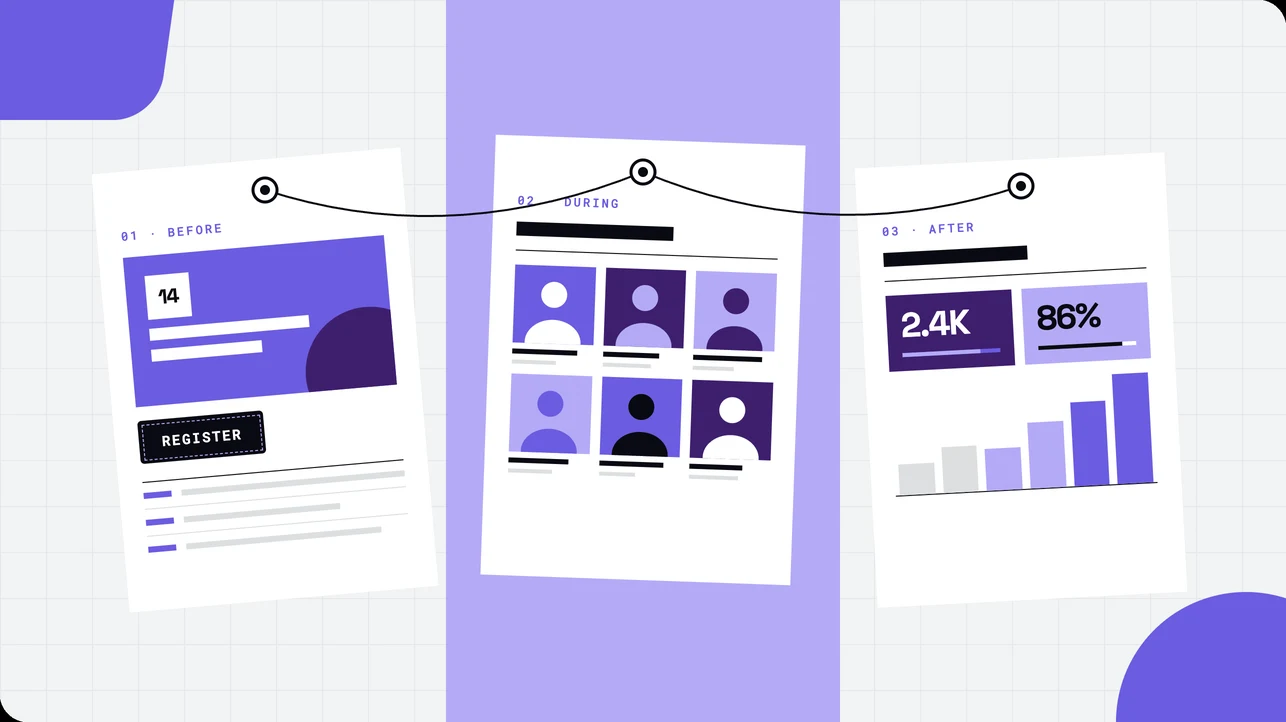
An event has three moments that matter to marketing: before, during, and after. Most teams build a page for the first one and let the other two slide.
Before. A microsite that sells the event and drives registrations.
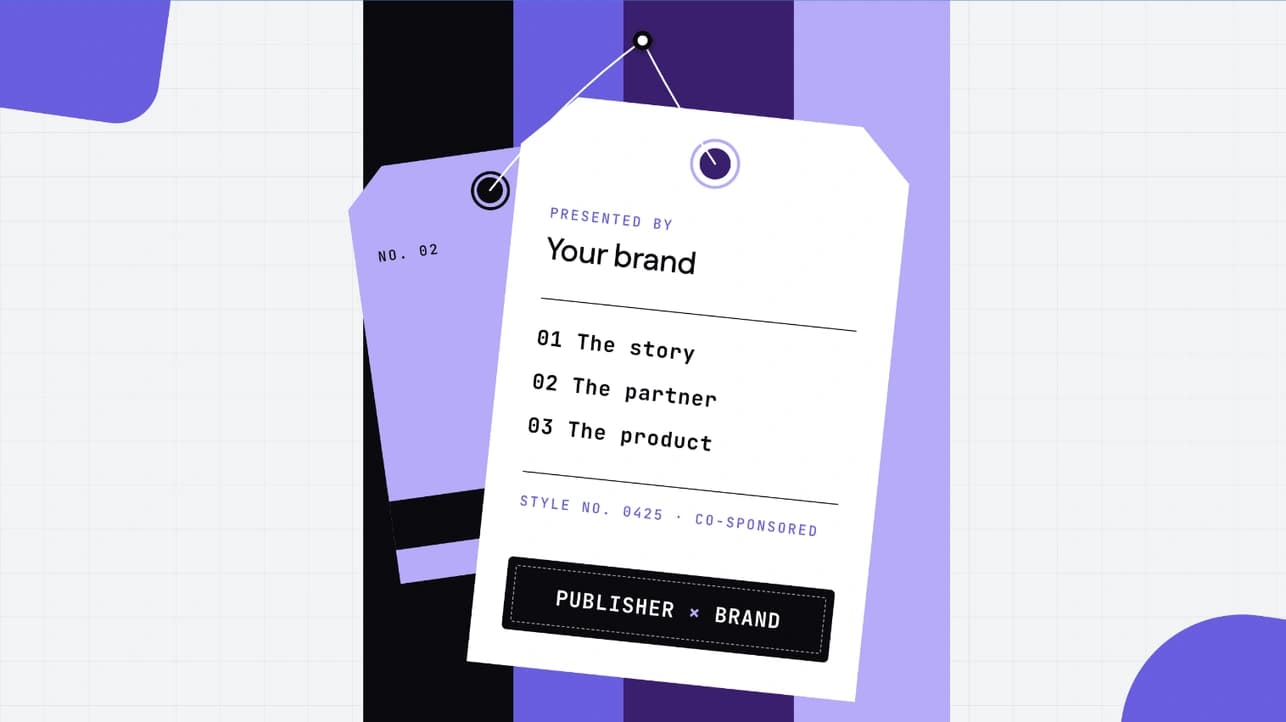
During. A speaker page attendees check between sessions and speakers share with their own networks.
After. A recap that turns attendance into follow-up conversations and gives sales something better to send than "great to see you."
Building all three from the same template family keeps them on-brand without starting from a blank canvas three times.
Build 1: a pre-event microsite that drives registrations
Start from: the Event landing page template.
What's already in it: a bold hero, sticky jump navigation, an agenda grid, speaker and sponsor carousels, and registration CTAs placed throughout the scroll.
What to swap:
Hero. Event name, date, location, and a one-line reason to come. Lead with the outcome for attendees, not the venue.
Brand. Apply your brand kit so colors and type match the rest of your event materials.
Agenda grid. Drop in your sessions. Keep it scannable and save the abstracts for the speaker page.
Registration CTA. Connect it to your registration form or event platform.
Sponsors. Swap in logos, or delete the carousel if you don't have sponsors yet.
Tip: put a register button in the sticky nav. People decide at different points in the scroll, so the button should be there wherever they decide.
Short on time? Give Flex AI your run of show and use Plan and Build modes to draft agenda copy and section layouts. Then edit it so it sounds like you.
Build 2: a speaker page people actually click through
Start from: the speaker carousel module in the Event landing page template, or the Conference landing page template.
Your speakers have their own audiences, and a good speaker page gives them something to post. Make it worth sharing.
What to swap:
Headshots and titles. Use consistent crops and backgrounds so the grid looks intentional.
Bios. Keep them to two lines on the card and use hover interactions to reveal the full bio and session details.
Tracks. If you have more than a handful of speakers, group them with tabs by track or day.
Share links. Give each speaker a direct link to the page so they can promote their session.
Tip: link each speaker card to its slot in the agenda. Some attendees pick sessions by speaker, others by topic, so let them move between the two in one click.
Build 3: a post-event recap that keeps the pipeline moving
Start from: the Interactive environmental event landing page template.
It was built for mission-driven events, but its parts suit a recap: animated counters for stats, a scrolling banner, and accordions, tabs, and cards for organizing a lot of content without a wall of text.
What to swap:
Stats. Turn attendance, sessions, and countries represented into animated counters. Use real numbers only.
Session recordings. Put them in tabs by track so people go straight to what they missed.
Takeaways. Use the accordion for the three to five ideas that defined the event.
CTA. Change "Register" to the next step, such as booking a meeting, getting the slides, or saving the date for next year.
Tip: send the recap within a week, while people still remember the event. Sales can use it as a follow-up that gives prospects something to do besides reply.
Before you publish: check it, then ship it
Run Flex AI's Review mode before you go live. It audits WCAG 2.2 accessibility, SEO, AEO (Answer Engine Optimization), and Lighthouse performance, so problems show up before your attendees find them.
Then publish the way that fits your setup. Event pages can go live on their own, or you can embed them in your existing website with a JavaScript snippet or iframe. Either way, your web team doesn't need to rebuild anything.
Make three pages feel like one event
One brand kit. Apply it to all three pages so the event feels the same at every touchpoint.
Cross-link. The microsite links to the speaker page, and the recap links back to both for anyone who missed the event.
Reuse components. Once your speaker cards look right, copy them into the recap instead of rebuilding.
Measure it. Track registrations on the microsite, clicks on the speaker page, and the next-step CTA on the recap.
For more ideas, see these interactive website examples and the guide to creating a landing page.
FAQs
Events move fast. Pick an event template, duplicate it, and you'll have a registration-ready page before your speaker list is final. Browse the event templates and start building in Flex for free.