Top 14 AI web design tools and platforms of 2024
AI can now design a site from a prompt, but the tools vary a lot. This guide compares 14 AI web design tools on features and pricing, with real user insights on which one fits your workflow.
BY Mary Mattingly
September 25th 2024 – 10 min read
AI & CREATIVITY


Top 14 AI web design tools and platforms of 2024
AI web design tools: comparison table (with features & pricing)
Before you get into the action, take a peek at this detailed comparison table. This snapshot highlights key features and pricing options for each tool, giving you the lowdown to make an informed choice.
Whether you're aiming to streamline your design process, boost creativity, or ramp up efficiency, this table arms you with the insights you need to pick the perfect AI tool for your needs.
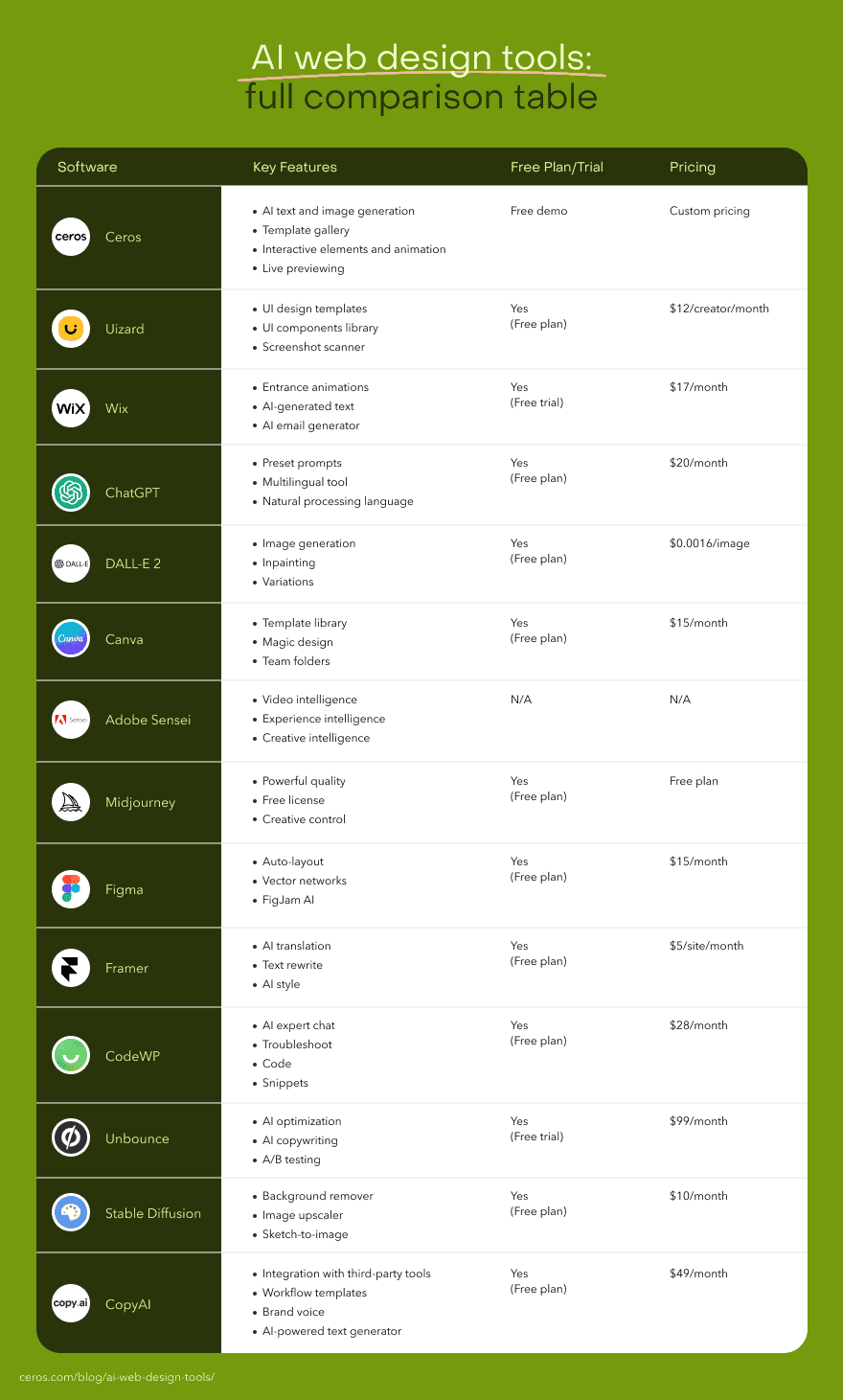
Great features, but which tool fits you best? We’ve gathered user insights to help you make an informed choice. Check out the next section for real-world applications and recommendations.
Best AI web design tools and platforms by use case
You met the AI tools in the previous section. Now, it’s time to see which of them you share something in common with.
Ceros — Best AI-enhanced tool for making, editing, and publishing interactive content.
Uizard — Best user interface design tool.
Wix — Best AI-powered website builder.
ChatGPT — Best AI assistant for brainstorming and drafting web copy.
DALL-E 2 — Best AI system for art generation.
Canva — Best template-based design system.
Adobe Sensei — Best tool with automated customization options.
Midjourney — Best for creating high-quality images.
Figma — Best tool for designing, wireframing, and prototyping.
Framer — Best AI tool for designing optimized websites.
CodeWP — Best AI-powered WordPress support system.
Unbounce — Best AI software for designing landing pages.
Stable Diffusion — Best API for image and art generation.
CopyAI — Best tool for marketing automation.
Alright, let’s give you a breakdown of these tools’ profiles.
1. Ceros
Think of Ceros as your co-pilot, transforming mundane web designs into stunning, interactive experiences.
It's a powerful content creation platform that lets you and your team craft immersive web experiences that captivate visitors.
Getting started is easy-peasy. Whether you have a clear vision or need some inspiration, you can bring your dream website to life in mere hours or days.
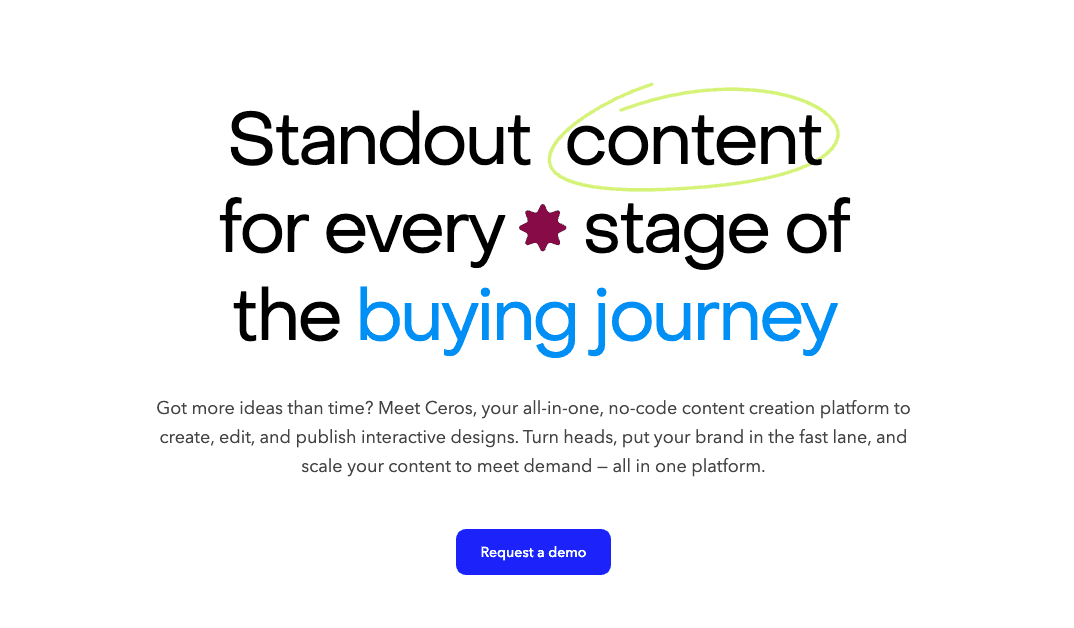
You can begin with customizable templates in Studio, tweaking designs to fit your style, or start from scratch with a blank canvas. Drag and drop design assets, infuse interactions, and add animations effortlessly.
Here’s what a Ceros user and IT specialist, Brad had to say about this tool:
“From a user standpoint, the software is simple to use for the kind of complex animations it offers. It's also fairly easy to integrate into the web platform we use it on. The templates and inspiration examples offer a great deal of options to include in your designs.”
Ceros features
Customizable templates
: Start with a variety of themes and personalize them to suit your needs.
Interactive elements and animations
: Add engaging interactions and animations to your web design with a few clicks.
Integration with content management systems
: Easily publish your designs.
Live previewing
: See how your web design looks in real-time and share it with others.
Ceros pricing
Ceros’ pricing structure is available on request. You can also request a demo to see what Ceros can do.
Ceros pros
Easy to use for both non-designers and designers.
Excellent customer service.
No coding knowledge required.
2. Uizard
Meet Uizard, an AI wizard that specializes in user interface (UI) designs.
Ajit, an assistant professor of design calls it, “A cheat code in design”.
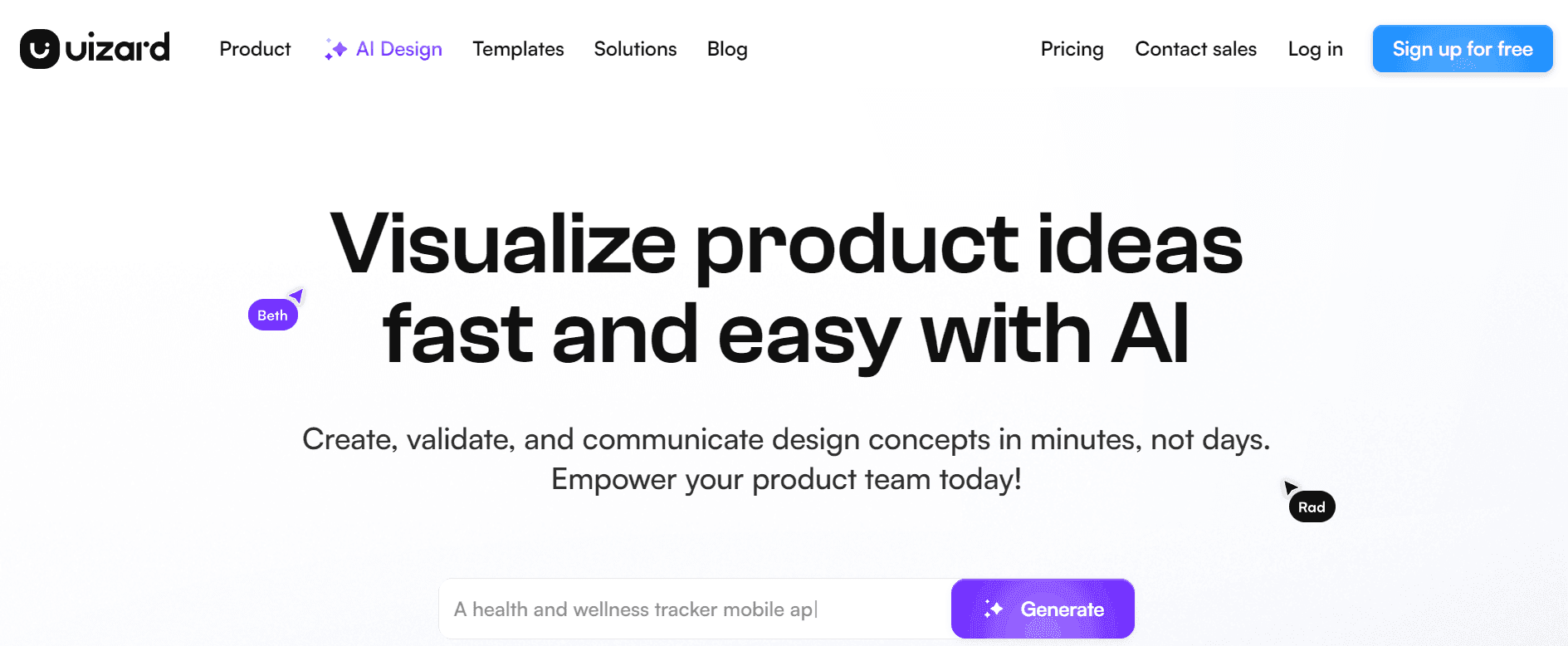
Image Source: Uizard
It’s an AI-powered UI design tool for creating wireframes, mockups, and prototypes from simple text prompts.
You can use the app to take and transform screenshots into real, editable designs or mockups.
Oh, that also includes turning sketches into wireframes and building prototypes like a pro.
Overall, Uizard has simplified the way UI design can be done. With a tool like it, anyone – beginner or pro – can fully embrace their UI calling using their AI or leverage the premade templates to get started.
When Ajit was asked what he liked about Uizard, he said, “With its immediate prototyping using AI and an immense library of reusable assets, it makes my job a lot easier as a strategist to figure out the product direction strategy and it helps us envision quickly.”
Uizard features
Uizard includes features like:
UI design templates
to help you bring your ideas to life.
UI components library
to pull design assets from your designs.
Screenshot scanner
for taking editable app screenshots.
Drag-and-drop editor
, where you can make edits and build designs from scratch.
Uizard pricing
Uizard has a free plan students and hobbyists can use. It allows them to handle two projects and access 10 templates. The paid versions start at $12 per creator, per month.
Uizard pros and cons
Pros:
Supports real-time collaboration.
Helps cut down time spent on designing.
Cons:
Free version has very limited features.
Limited handover functionality.
3. Wix
Wix is one of the oldest AI website builders on the market.
The main idea has always been to help non-programmers build their websites with ease.
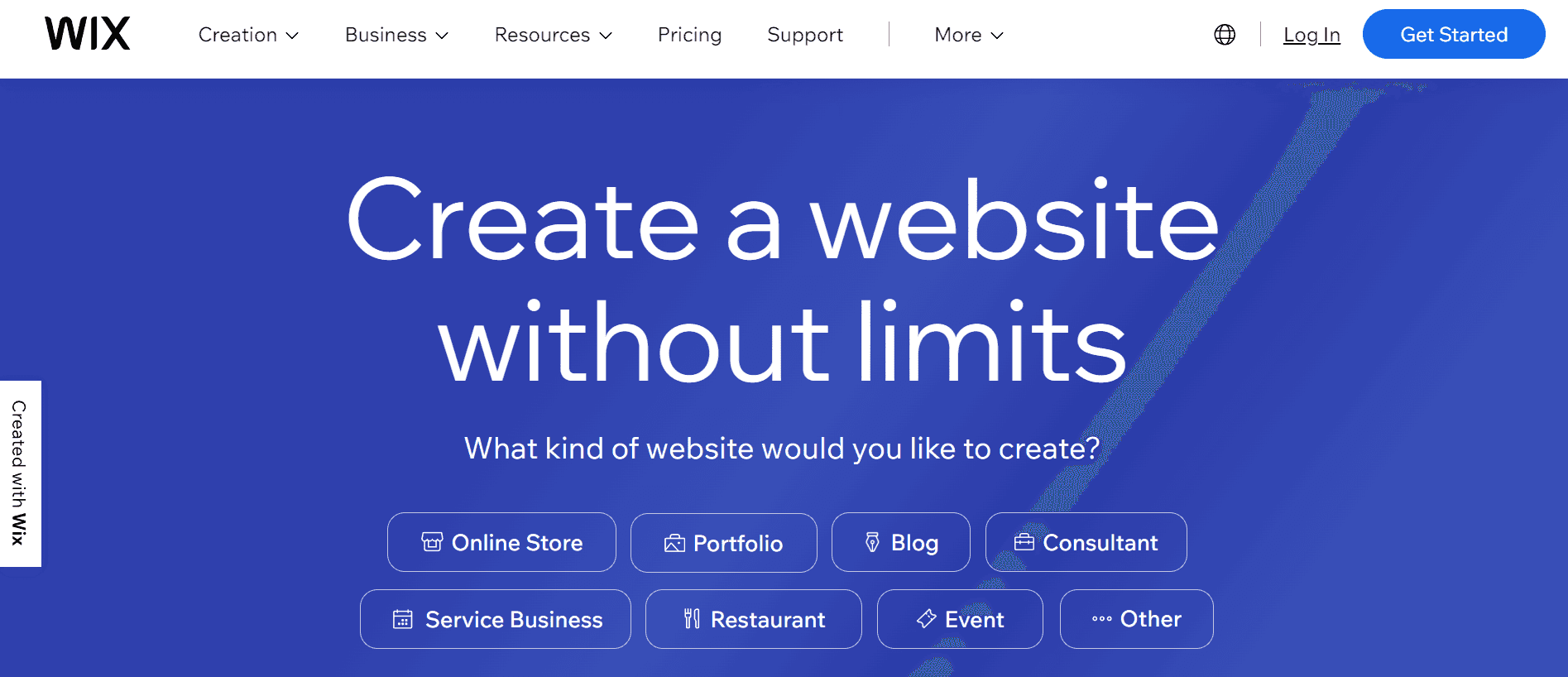
Image Source: Wix
Wix gives users two options: To start building with their AI or without one.
If you decide to go with Wix’s AI, all you have to do is chat with it, answering questions about the kind of site you want to build, and it generates a site that meets your specs.
Then, you can make adjustments to headings, titles, and copy so it really fits your taste and brand.
If you don’t want to use the AI, Wix has a database of over 900 templates you can pick from.
Small business owner Kim Domonique said, “Wix enables business owners, organizations, and other individuals irrespective of their experience with website design to create websites for their business and various other projects…
The Wix website design tool enables [you] to customize, update, and upgrade the website at any point in the design process.”
Wix features
Here are some of Wix’s features:
Entrance animations
to draw people’s attention when they visit your site.
Multilingual website
to localize your site across different languages.
AI-generated text
for creating content for your web pages.
AI email generator
to design layouts for emails and create content too.
Wix pricing
Wix offers a free 14-day trial to new users. Their paid plans start at $17 per month.
Wix pros and cons
Pros:
It features loads of third-party integrations.
Allows you to publish and host sites.
Intuitive interface.
Cons:
Slow response time from customer support.
Limited storage plans for some of the paid plans.
Takes time to load sometimes.
4. ChatGPT
You’ve probably heard about ChatGPT by now. It’s been everywhere on the internet since November 2022. It might even be how you got introduced to AI.
While it may not help you design a website like most of the tools on this list, it does have a part to play.
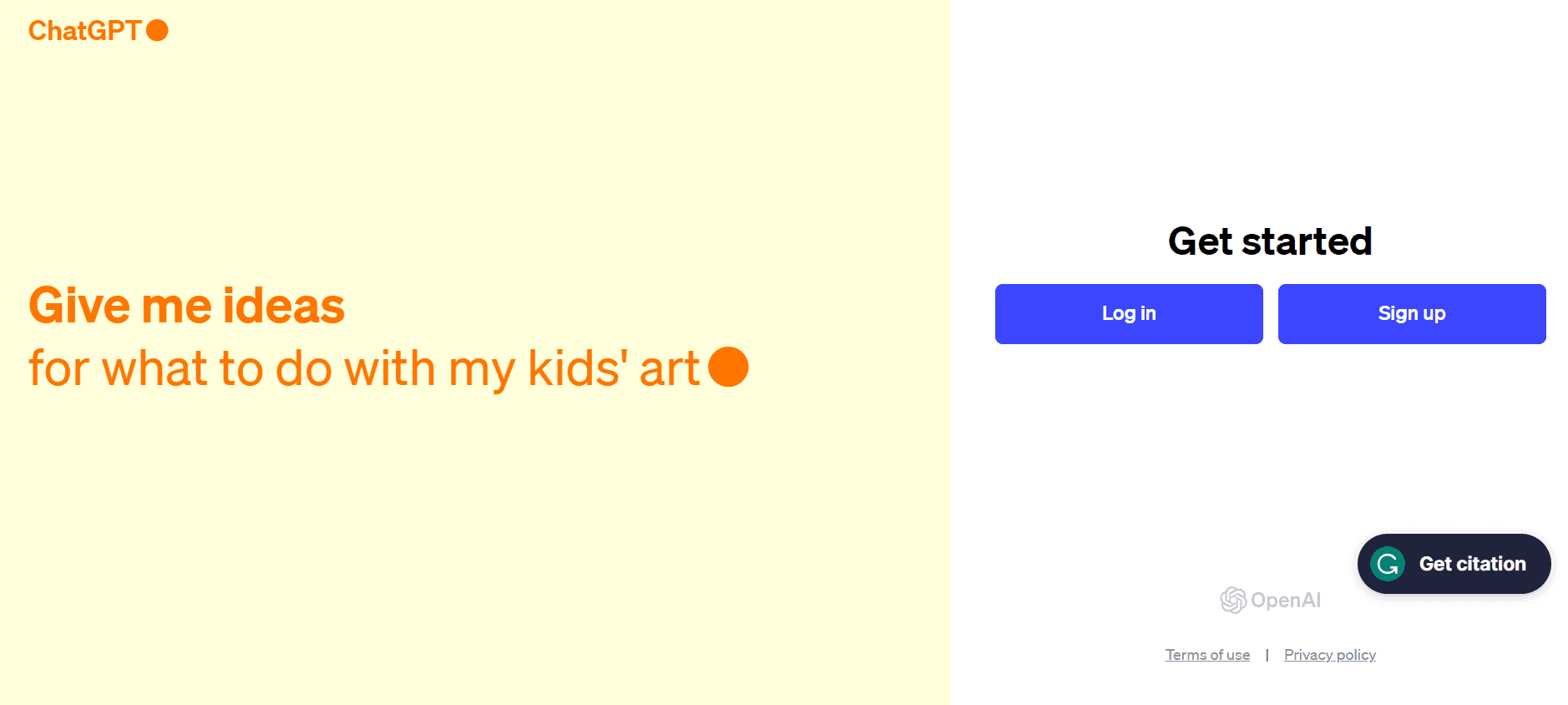
design:
Source design trends for you to implement.
Write compelling headlines and titles.
Generate code snippets.
Suggest color schemes and color palettes.
Generate images for your site.
Create design briefs and proposals.
Write detailed product descriptions.
ChatGPT features
Preset prompts
to help you kickstart conversations with ChatGPT.
Multilingual tool
so you can interact with it in different languages.
Natural processing language
to ensure you have a conversational dialogue with GPT.
ChatGPT pricing
ChatGPT has a free version and a paid plan starting at $20 per month.
ChatGPT pros and cons
Pros:
Easy to use.
Access to a wide range of information.
Helps you automate repetitive tasks.
Cons:
Difficulty understanding some complex queries.
Depends on the data it's been trained with.
Gives inaccurate facts sometimes.
5. DALL-E 2
DALL-E 2 is a sister AI to ChatGPT. It was built by the same company that built GPT.
But this AI has a different mission. Its role is to help bring to life those artistic ideas you have.
Image Source: OpenAI
With DALL-E 2, you can create never-before-seen art and images using text descriptions.
You use it the same way you do ChatGPT, but instead of getting facts and information, you get visual content.
Rahul, a full-stack developer says… “DALL-E is the fastest and the largest AI model to generate high-quality images from our prompts. It has a very simple and intuitive dashboard for generating our images smoothly. It can understand very complex prompts and generate images with great accuracy. It is compatible with all of our browsers and devices.”
DALL-E 2 features
Image generation
for creating eye-catching photos and artworks.
Outpaintings
for adding realistic new composition to photos and images.
Inpainting
to make edits to existing images using only natural languages.
Variations
for building different versions of an image using prompts.
DALL-E 2 pricing
This AI tool has a flexible pricing system. You only pay for what you want.
Generating images, for instance, starts at $0.016 per image for a 256x256 image resolution.
DALL-E 2 pros and cons
Pros:
Offers API for seamless integration with other tools.
Offers free and flexible paid versions.
Grants you intellectual property rights to generated content.
Cons:
Image output depends on the prompt quality.
Accepts prompts in English alone.
Specializes in producing surreal art.
6. Canva
Canva is a popular design tool known for creating graphic designs. The way it works is that users search for a template they want to use and edit it with their content.
But in 2022, they launched Canva websites, a system where users can design and publish websites with no coding language.
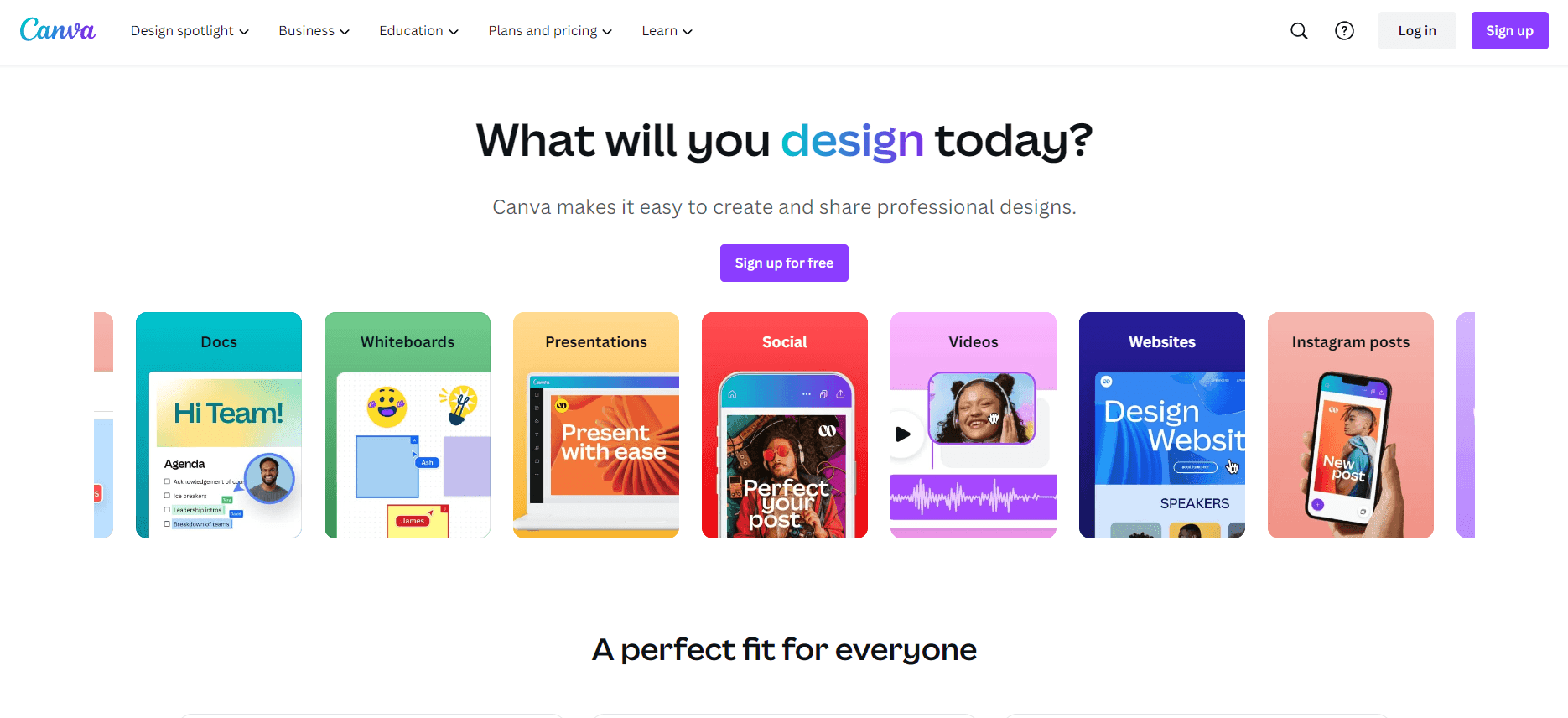
Image Source: Canva
This system follows a similar approach to other content types on Canva where you find and edit a template. Add your images, copy, and other brand elements.
So, where does the AI part come in?
Canva has AI Magic to help you generate images for your site. You can upload sample images of a site that looks like what you want and it’ll create templates you can edit.
It can also help you write copy for the site, saving you the stress of writing or hiring someone to create content for you.
Canva features
Some of Canva’s key features include:
Template library
to help you start your web design journey.
Drag-and-drop editor
, where you edit the templates, adding images and vector graphics.
Magic design
for creating designs from your media.
Team folders
to organize your files effectively.
Canva pricing
Canva has a free plan and a paid version starting at $15 per month.
Canva pros and cons
Pros:
Smooth user experience.
A wide array of customizable templates.
Good brand kit features.
Cons:
Limited access to advanced features on the free version.
Not built to handle enterprise demands.
Limited SEO optimization.
7. Adobe Sensei
Imagine having a real-life sensei as your personal assistant. But instead of teaching you martial arts, this Sensei is dedicated to making your life easier. That’s what this tool does.
According to Adobe, Sensei empowers you to create.
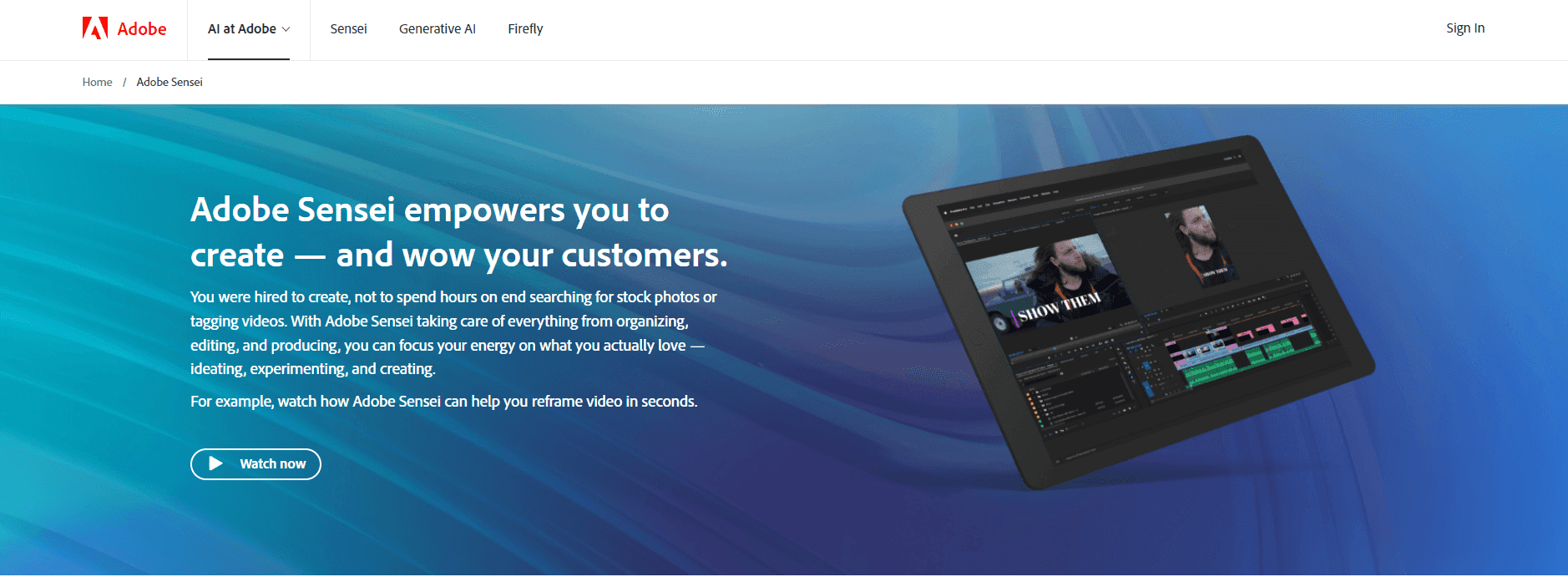
Image Source: Adobe Sensei
Adobe Sensei ensures everything you need to make media dazzle your audience is automatically done.
Say you need to edit a video or image – Adobe Sensei is at your service.
Not sure which design style your audience would like? Sensei’s got you.
Want to produce content to hook your audience? Yep, that too.
Those are just a few ways Adobe Sensei can improve your web design workflow, helping you cut back on time by automating tasks.
Adobe Sensei features
Video intelligence
to simplify your video editing workflow so important details aren’t missing from the final output.
Experience intelligence
to predict customer behavior and help you create a personalized experience for them.
Creative intelligence
for automating repetitive tasks by drawing automatically.
Intuitive search
to find the appropriate design assets for your projects.
Adobe Sensei pricing
Adobe Sensei is integrated into Adobe’s Creative Cloud. As such, it doesn’t have a standalone pricing system.
Adobe Sensei pros and cons
Pros:
Offers a wide range of features for creating web and media content.
Integration with tools in the Adobe Suite like Photoshop and Illustrator.
Cons:
Certain functionalities require access to the internet.
Requires advanced skills for certain features.
8. Midjourney
Visual content is super important in web design.
It’s one of the features that captures people’s attention and gets one foot in the door.
If you’re on a budget, getting visuals can be challenging. You can either hire an illustrator/photographer, get an iStock photo plan, or make do with available pictures from Unsplash… but you might still come up short.
But with a tool like Midjourney, sourcing visuals will be the least of your worries.
Image Source: Midjourney
It’s an image generator that lets you create images from text prompts.
Just provide a detailed description of the visual you want and it generates it for you like this…
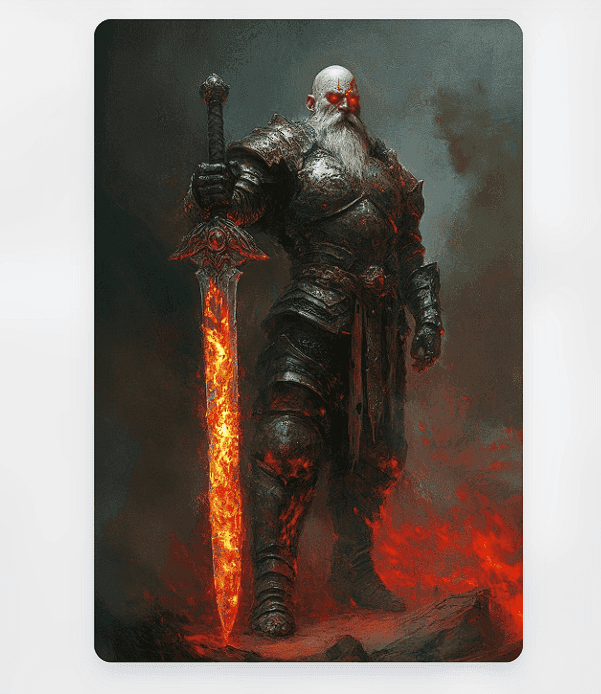
According to Midjourney, some of their images have even fooled photography experts.
Midjourney features
Powerful quality
that ensures the images are high quality and fast speed.
Free license
so you can use the visuals for personal and commercial use.
Creative control
so you can specify image details like size, aspect ratio, etc.
Midjourney pricing
You can use this tool for free. It allows you to generate 15 images every 24 hours.
Midjourney pros and cons
Pros:
It has an intuitive interface.
Supports multiple languages.
Cons:
It has a daily limit.
Limited editing features.
9. Figma
Figma is a tool design gurus like to use. They’ve even given it different titles like “the ultimate design studio for UI/UX designers and animators,” and “best web design application.”
While it’s a handy tool for the pros, beginners may take one look and go 🫨.
They have no idea where to begin.
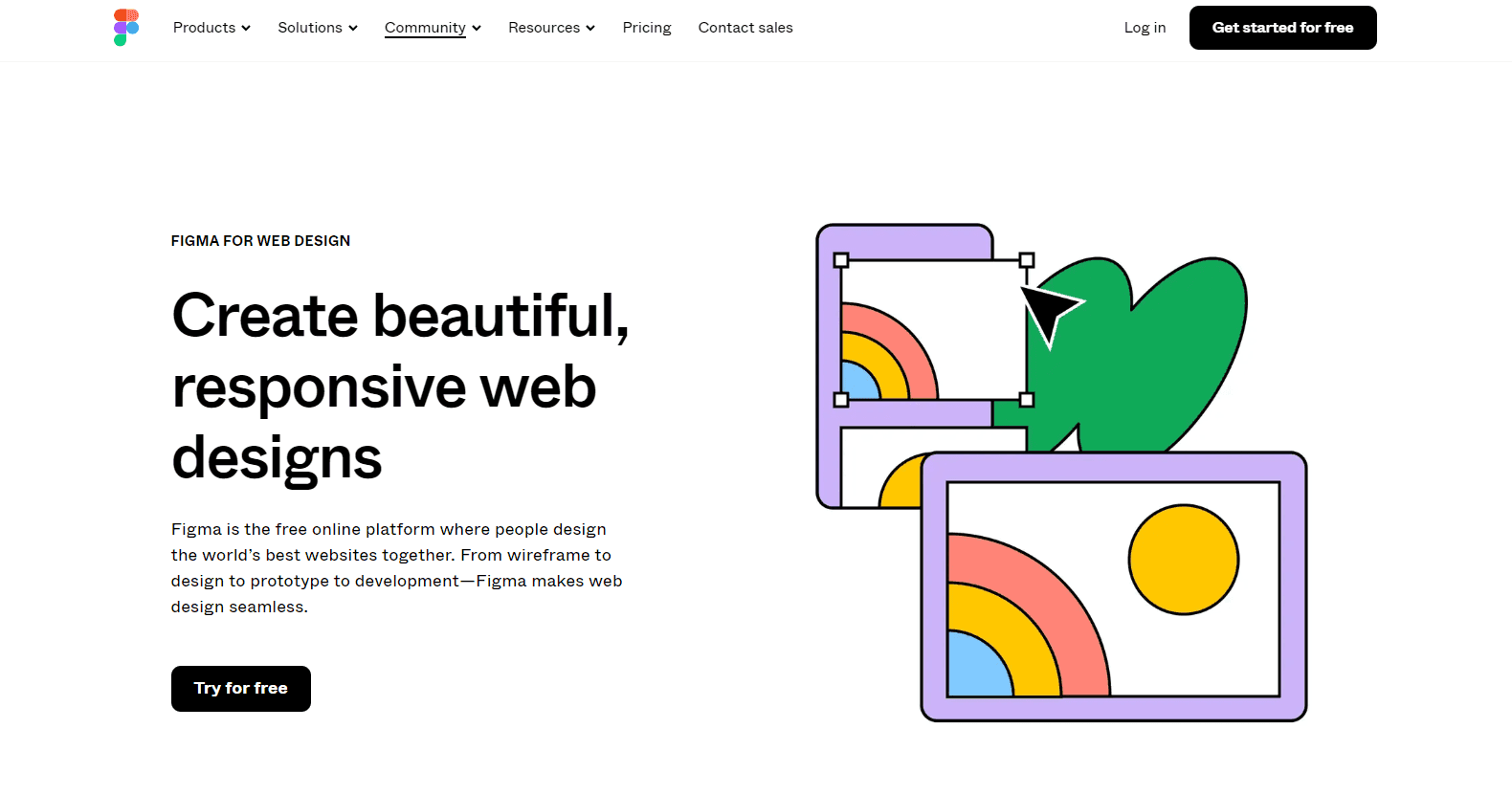
Image Source: Figma
Thankfully, Figma now has an AI feature that beginners and pros can leverage.
It was launched sometime in 2023 and it's designed to help you:
Generate smart layouts.
Provide automatic suggestions by analyzing your preferences and design elements.
Offer design recommendations.
Provide data-driven insights so you can make informed decisions.
Produce accessible web designs.
Create visual mind maps.
Brainstorm and generate visual timelines.
Create templates.
Figma also has robust AI plugins you can leverage to generate designs from text prompts.
Figma features
Figma is packed with different features including:
Auto-layout
to ensure your designs are responsive.
Version history
to automatically save your tasks.
Vector networks
for creating complex vector shapes.
FigJam AI
helps you brainstorm, summarize, and collaborate effectively.
Figma pricing
Figma has a free version and its paid plan starts from $15 per month.
Figma pros and cons
Pros:
Supports real-time collaboration.
Features auto layout.
Vibrant community you can count on for support.
Cons:
Limited offline functionality.
Slight learning curve.
It lags occasionally.
10. Framer
Framer is a no-code web development tool designed to help anyone design a website in a few clicks.
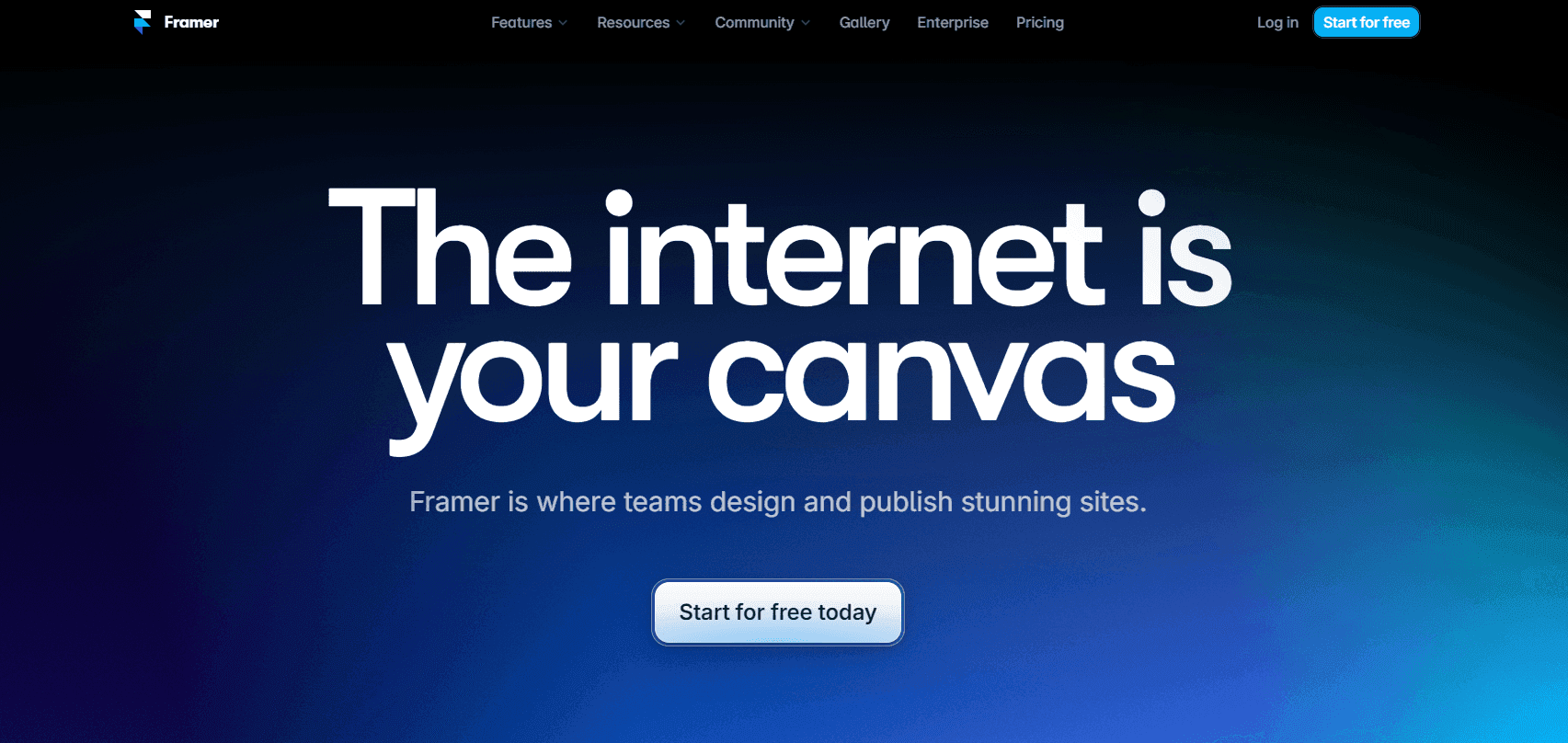
Image Source: Framer
As a beginner, you only have to prompt Framer about the kind of website you want and it creates one for you that’s optimized for different devices.
That’s what Gaurav experienced when he used Framer.
He says, “You can just simply give a prompt to the AI and it will generate a proper Website for the multiple screen sizes.
You can integrate your designs from Figma and edit them on Framer…
It also provides templates and tutorials for better understanding. You don't need very much knowledge to implement it.”
That summarizes what Framer can do. Thanks Gaurav!
Framer features
See some of Framer’s AI-powered features below:
AI translation
to give visitors a smooth multilingual experience.
Text rewrite
to refine your website content.
AI style
so it can help you update the site to reflect your brand tone and design style.
Page generation
to create new pages for your site.
Framer pricing
Framer has a free-forever plan that offers a Framer domain and banner. If you want more features, you can upgrade to their paid plans starting at $5 per site, per month.
Framer pros and cons
Pros:
User-friendly interface.
Integrates with Figma.
It doesn’t require coding knowledge.
Cons:
Limited video resources.
It has a learning curve.
No API feature.
11. CodeWP
If you’ve used WordPress, chances are you have an idea of some of its functions but may not have unpacked them yet.
You’ve tried to figure it out but there’s just so much information out there.
If that describes you, CodeWP is for you.
It’s a generative AI like ChatGPT that’s been trained on everything that relates to WordPress. You can ask it anything about WordPress and it’ll give you a detailed answer.
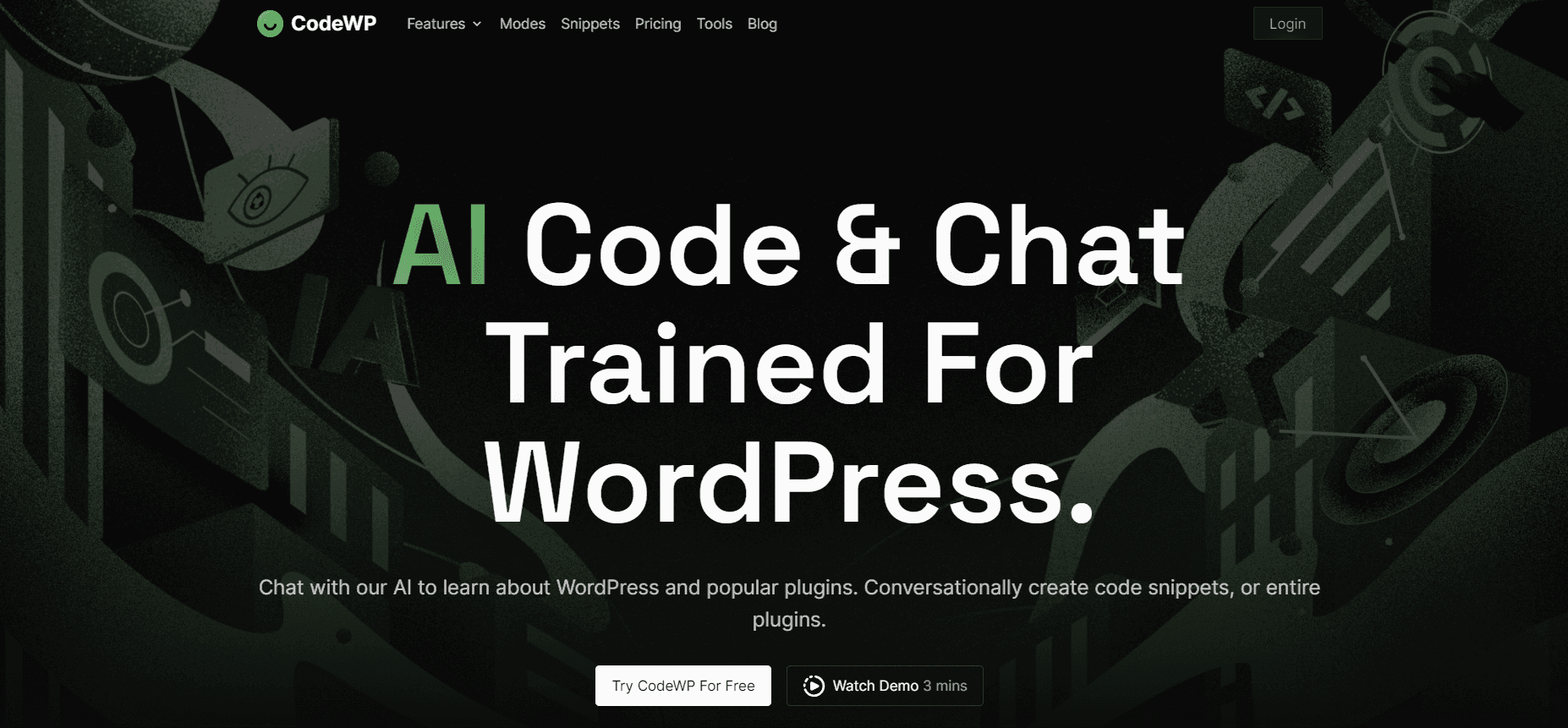
Image Source: CodeWP
Think of this tool as a dedicated customer support professional for the publishing and hosting site.
You can even ask it to generate code and functional bug-free plugins for your site.
Impressive, right?
CodeWP features
AI expert chats
to talk with a WordPress guru any time of the day.
Troubleshoot
to help you fix errors with your WP site.
Code
for generating code snippets from a simple text prompt.
Snippets library
for different use cases you can copy and modify.
CodeWP pricing
CodeWP offers three pricing plans:
A free plan.
Pro plan at $28 per month.
Agency plan at $68 per month.
CodeWP pros and cons
Pros:
Swift code generation.
Helps cut down web development duration.
Cons:
May require manual input.
Designed for people with some WP knowledge.
12. Unbounce
Unbounce is a platform that focuses on building landing pages that attract visitors, ensuring they don’t bounce off your site.
Josh L., co-founder of Global Regulator Risk Advisors describes it as a good tool for landing pages. He says, “It’s easy to use, powerful, reliable, and stable.”
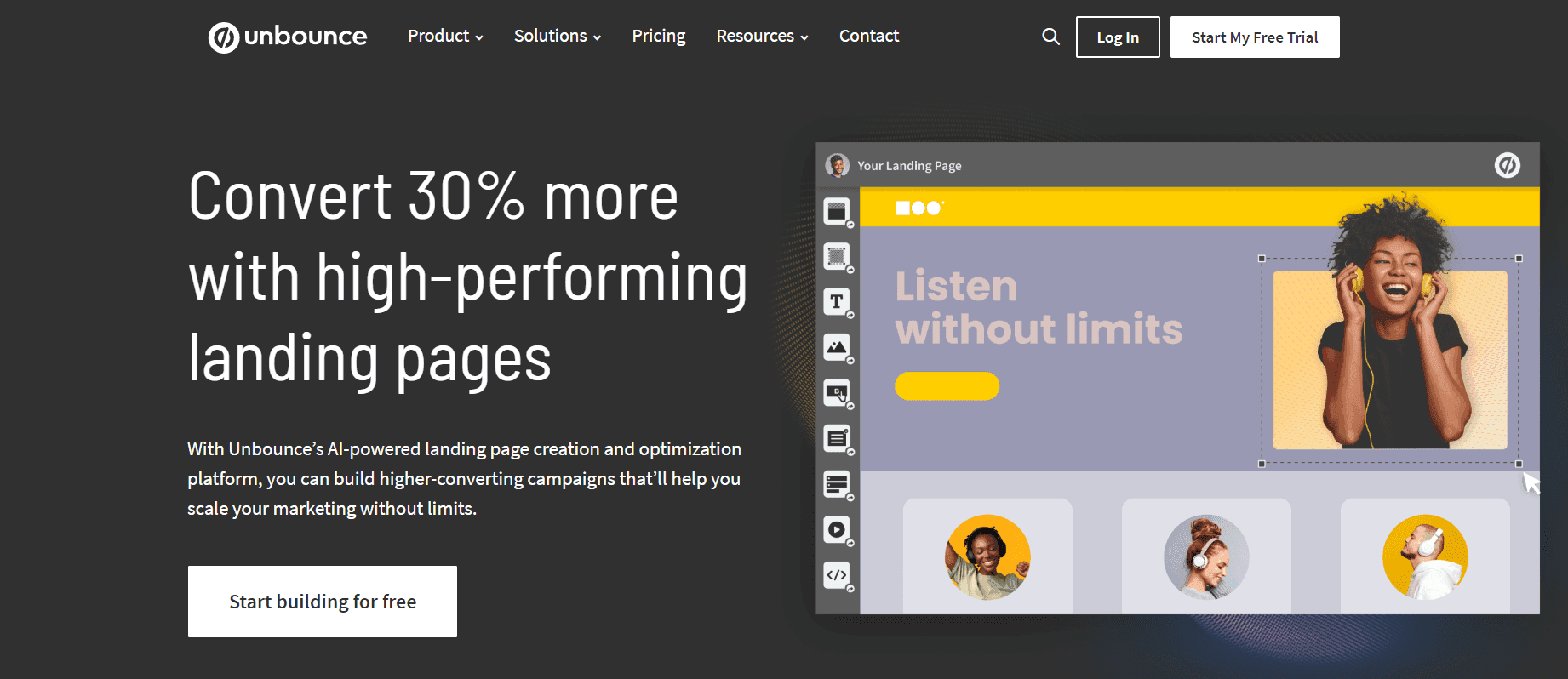
Image Source: Unbounce
Unbounce has a library of over 100 templates you can browse through to find one that matches your brand style.
It has drag-and-drop controls that simplify how you customize the templates of your choice.
You can also integrate with marketing tools like Mailchimp and Salesforce to automate tasks.
Wait, what about the AI part?
It has an AI copywriter you can leverage to write copy for the landing page.
See what Unbounce user Matt had to say about this tool: “Really easy WYSIWYG, drag and drop editor for landing pages, forms, etc.
Also has integrations into things like Hubspot so our Marketing and CS teams can use them without the help of a web developer to quickly turn around content for webinars, etc.”
Unbounce features
Unbounce offers features such as:
AI optimization
to help you match visitors to the landing page that suits them.
Audience insights
to see how your landing page is performing.
AI copywriting
to create copy for landing pages, emails, ads, etc.
A/B testing
to determine which variation of your landing page is performing well.
Unbounce pricing
You can try Unbounce free of charge for 14 days. After your trial, their paid plans start at $99 per month.
Unbounce pros and cons
Pros:
Easy to build and publish landing pages.
Offers well-optimized templates.
Lets you build multiple variants to test quickly.
Cons:
Expensive pricing.
Limited number of templates available.
Testing landing pages created outside Unbounce is prohibited.
13. Stable Diffusion
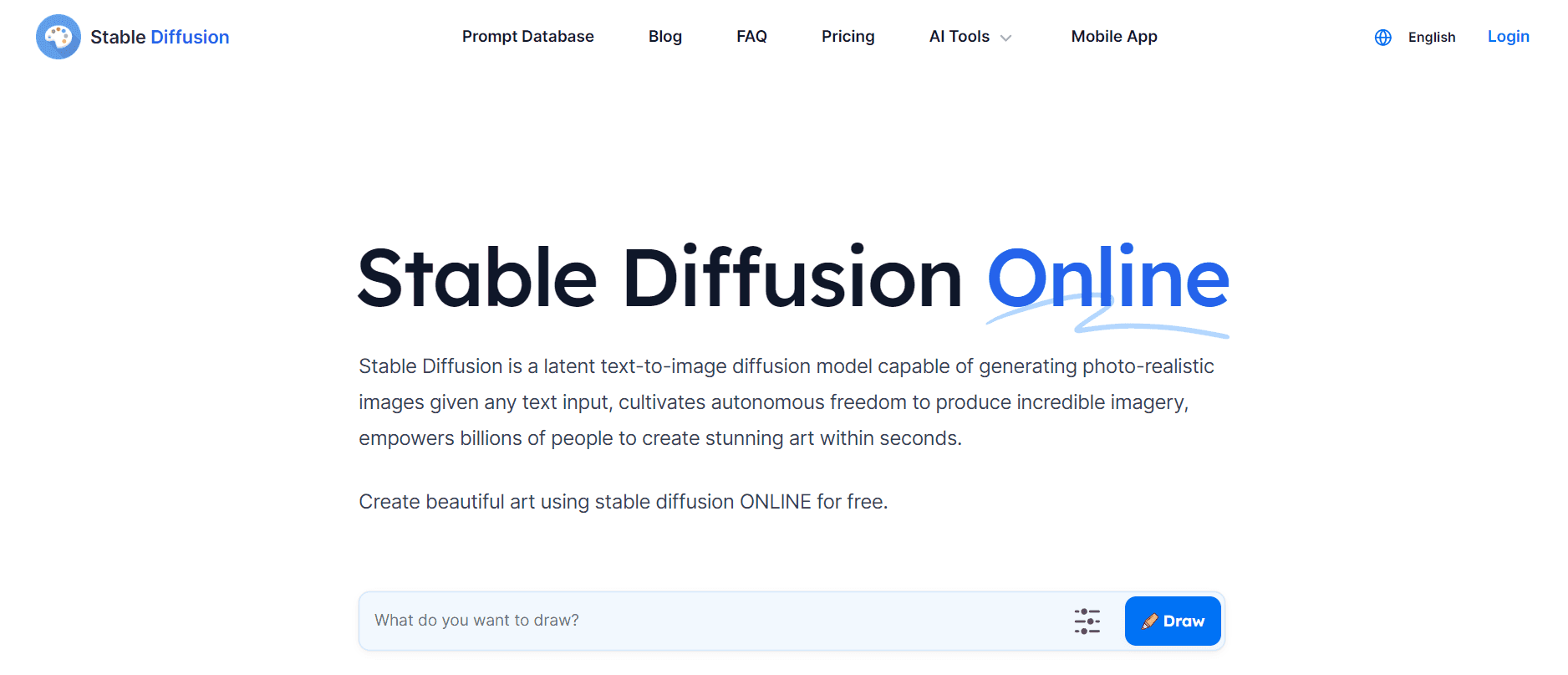
Here’s another tool that lets you create AI images from text prompts.
In Stable Diffusion’s words, “It can generate high-quality, photo-realistic images that look like real photographs by simply inputting any text. ”
Image Source: Stable Diffusion
Marie-Claire, an NFT artist, confirmed their claim too.
She said, “I love that Stable Diffusion allows creatives to generate high-quality images, generated by AI. [...]
The best part of using Stable Diffusion is that it saves a lot of time in the creation of art and that artists and creators can push the boundaries of what is possible, within the art world. It is also very easy to use!”
With Stable Diffusion, you can generate images via an API and you can prompt descriptive elements such as styles and frames.
Stable Diffusion can also help you add or replace parts of your images and extend the size too.
Finally, if you’re not sure how to structure your prompts, SD has a prompts database of 12 million prompts you can draw inspiration from.
Stable Diffusion features
Here are some of its key features:
Prompts search engine
, where you can explore AI-generated content and build better prompts.
Background remover
to remove the background elements in an image.
Image upscaler
to bring your images to 4k resolution using AI technology.
Sketch-to-image
to convert hand-drawn sketches into digital images.
Stable Diffusion pricing
You can use SD for free or opt for their paid plans starting at $10 per month.
Stable Diffusion pros and cons
Pros:
Easy to use AI-powered tool.
It features an API you can integrate your other systems with.
Cons:
Image generation takes a while.
Only supports prompts written in English.
14. CopyAI
CopyAI is one of those special tools that are just multi-faceted.
As a web designer, your job is to design experiences visitors love. Tasks outside of that can leave you overwhelmed with lots to do.
That’s where CopyAI comes in.
It’s a personal assistant when you want it to and a brand strategist when you need it.
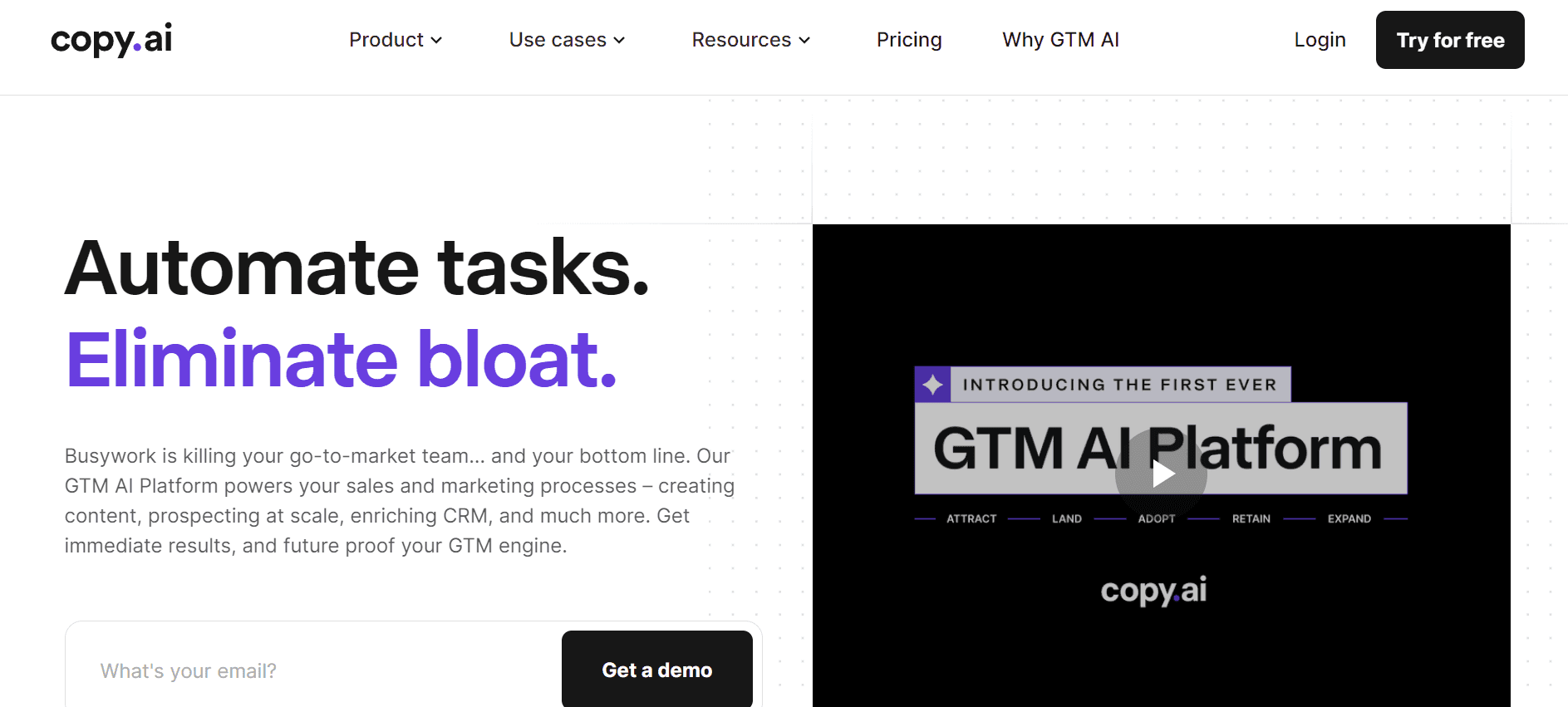
Image Source: CopyAI
CopyAI helps you build systems that automate your workflow. It can automatically generate content from content briefs, repurpose them without breaking a sweat, and transform transcripts into briefs.
With CopyAI’s chatbot, you can also create:
Long-form pieces.
Social media copy.
Product descriptions for eCommerce sites.
Sales copy.
All this from a text prompt. And the results will all be in your brand voice.
Now you can focus on website creation while CopyAI takes care of the copy.
CopyAI features
Here are some of its features:
Integration with third-party tools
like Webflow, Instagram, and more to streamline your workflow.
Workflow templates
to structure your work needs.
Brand voice
to ensure the content CopyAI generates sounds like you.
AI-powered text generator
to create the copy you need.
CopyAI pricing
CopyAI is available for free but with limited features. Paid plans start at $49 per month.
CopyAI pros and cons
Pros:
Ideal for small business owners who want to improve their campaigns.
Helps you free up time to focus on other tasks.
It allows you to generate text for different marketing campaigns.
Cons:
Free version has very limited features.
Requires human input so it’s not nuanced.
Over to you!
Now that you’ve gone through the best AI tools in this guide, it’s time to make a decision.
It’s not an easy one to make, especially when they’re just so many good ones.
Want our advice?
Go for a tool that can automate your web design process.
We’re talking about designing the site, writing copy, brainstorming marketing strategies, publishing the site, and monitoring its performance.
The whole nine yards.
Only one tool fits that profile. It’s none other than, *clears throat*, Ceros 😌.
It’s a digital suite that can help you do all those things, even if you don’t know a single line of HTML.
Think it’s too good to be true?
Schedule a free demo with Ceros now to see it in action yourself.
![12 best website design software in 2026 [comparison guide]](/_next/image/?url=https%3A%2F%2Fimages.ctfassets.net%2F9fispija9xqh%2F4uJS7pDw5stLi2JZXD8HsN%2F368a85dd6c14621dfd0cb5d910878fb3%2F1c6b7e37-e735-4530-a5f0-649ff4392e80.png&w=3840&q=75)