Best Webflow alternatives for marketing teams in 2026
Webflow is a genuinely capable tool. But if you're a marketer trying to build interactive campaign content, product launches, or rich digital experiences, a website builder isn't what you actually need. This guide breaks down the best Webflow alternatives in 2026 — an honest look at what each tool does well, and who it's actually built for.
BY Lydia Burns
July 24th 2026 – 9 min read
GUIDES & TOOLS
Best Webflow alternatives for marketing teams in 2026
Webflow is genuinely excellent for teams that want developer-grade control over a full website without writing code from scratch. But a few situations push marketing teams toward alternatives:
You're a marketer, not a developer. Webflow's power comes with a learning curve that assumes some familiarity with CSS and web structure. If your team doesn't have a developer in the loop, you'll feel that gap fast.
You need interactive content, not just pages. Webflow can build beautiful static pages and basic interactions. But if your content strategy calls for animated infographics, hotspot-driven experiences, scroll-triggered storytelling, or embedded interactive modules, Webflow needs custom code or third-party integrations to get there. Platforms built natively for interactive content close that gap without the overhead.
You're on a campaign timeline, not a website timeline. Website projects have long cycles. Campaign content needs to move fast. Tools designed for marketing content creation let you launch in hours, not weeks.
You want AI to do more of the heavy lifting. Webflow's AI features focus on layout and code generation. If you want AI that can generate an entire interactive experience from a prompt, you need a platform built for that workflow specifically.
*Disclaimer: The information below is accurate as of July 18, 2026.*
5 best Webflow alternatives in 2026
Here's where to start looking.
1. Ceros Flex
Flex is an interactive content design platform built specifically for marketing teams. Unlike Webflow, which focuses on building and maintaining websites, Flex is built for campaign content: microsites, interactive infographics, product launches, digital brochures, and rich landing pages that go beyond what a standard page builder can produce.
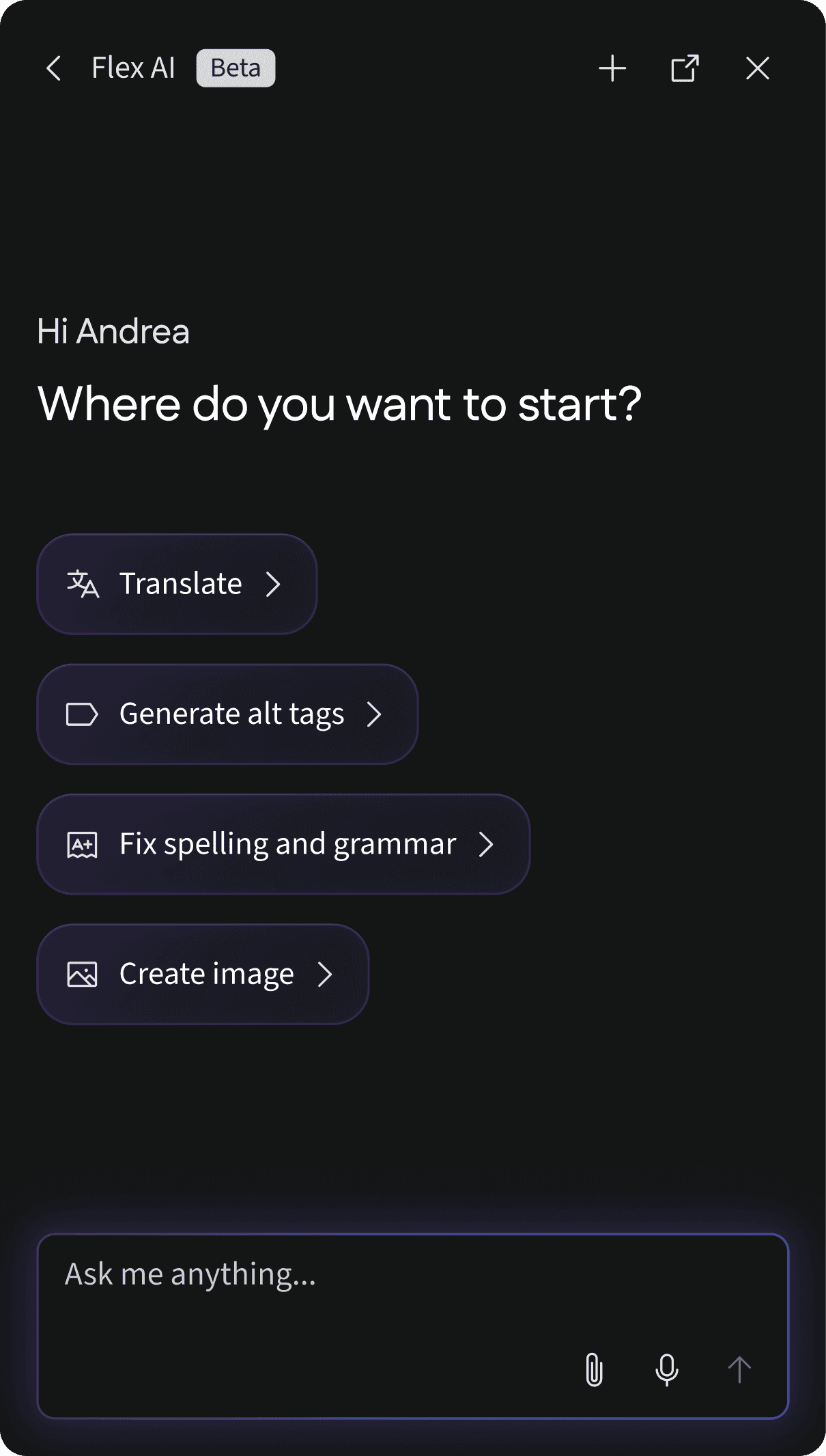
The standout differentiator in 2026 is Flex AI. While other platforms have bolted AI onto layout and code assistance, Flex AI generates complete interactive experiences from a text prompt. A marketer can describe the content they want, and Flex AI produces a working, animated, interactive draft the team can edit and publish. That's a fundamentally different capability from what Webflow's AI offers.
Flex requires no design background and no developer support for most use cases. Animations, hotspots, scroll behaviors, and responsive formatting are handled natively in the editor. The platform integrates with marketing stacks including HubSpot, Marketo, and Salesforce, and content publishes via embed or direct URL. For marketing teams creating high-frequency campaign content, Flex is the most capable option in this category. See what customers are doing with it.
Best for: Marketing teams at mid-market and enterprise companies who need to create interactive campaign content at scale, without depending on developer resources.
2. Framer
Framer is a design-to-publish platform that sits closer to Webflow on the spectrum of website builders, but with a stronger emphasis on motion, micro-interactions, and modern visual design. It's become a popular choice for product teams, startups, and individual designers who want a portfolio or marketing site with polished animations.
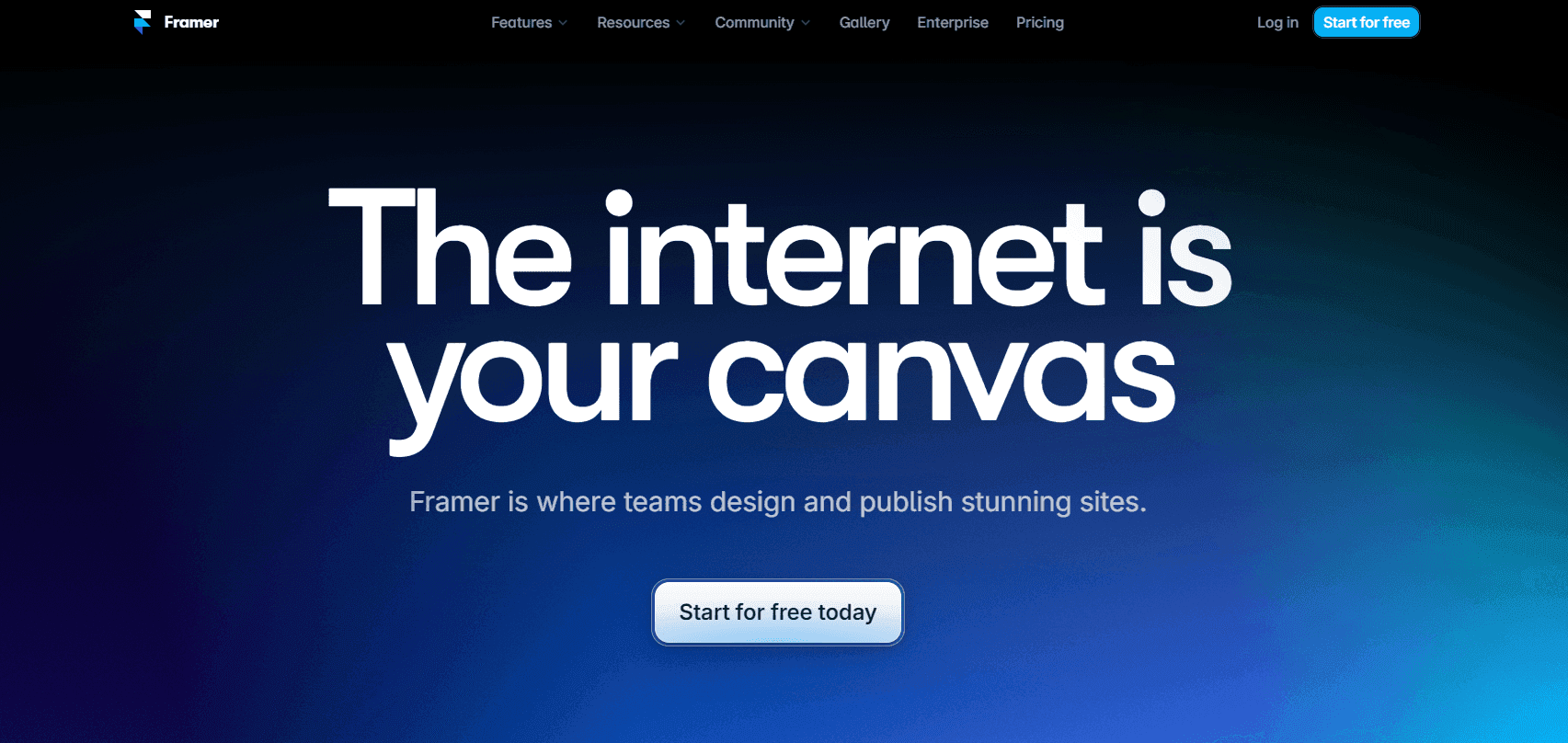
Framer's editor is clean and its output is fast. It handles CMS content, localization, and SEO basics well. The learning curve is lower than Webflow's for teams coming from Figma, since the component model will feel familiar. That said, Framer is still primarily a website builder, not an interactive content platform, so it shares some of Webflow's limitations when it comes to campaign-specific content production.
Best for: Design-led teams building portfolio sites, startup marketing pages, or product websites who want strong animation support without deep developer involvement.
3. Webstudio
Webstudio is an open-source Webflow alternative that gives developers full control over the underlying code and deployment infrastructure. It's built for teams who want visual design tooling but need to self-host, own their stack, or integrate more deeply with custom back-end systems.
The trade-off: Webstudio is explicitly developer-oriented. The visual editor is capable, but the value proposition hinges on the open-source model and infrastructure flexibility rather than ease of use for non-technical teams. For marketing teams without developer resources, it's not the right fit. For engineering-led teams that want to avoid vendor lock-in, it's worth a close look.
Best for: Developer teams and agencies who need open-source infrastructure, self-hosting, or deep code-level customization.
4. Squarespace
Squarespace is the most accessible option on this list. It offers a polished drag-and-drop editor, strong templates, built-in e-commerce, and good SEO defaults. It's built for small businesses and individuals who need a professional web presence with minimal setup.
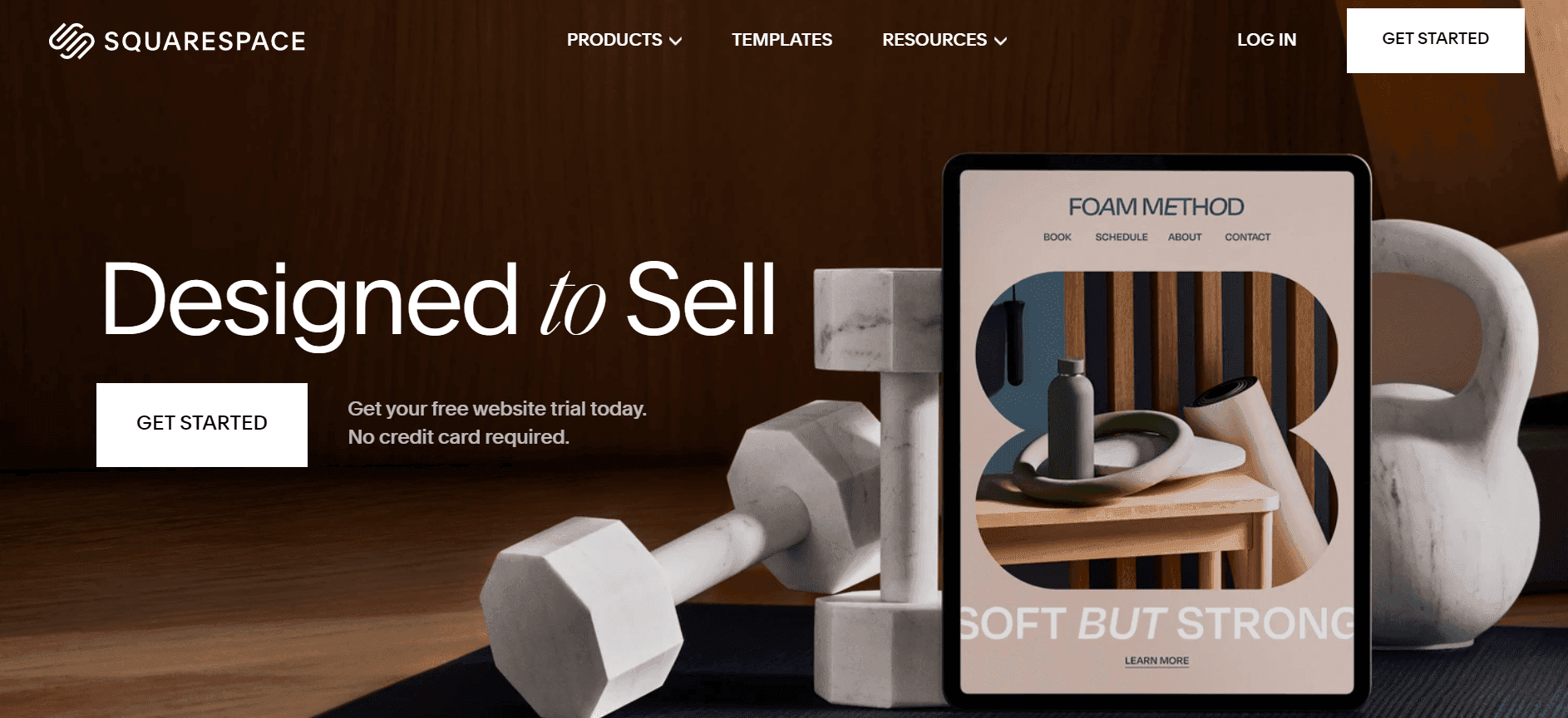
The limitation is the ceiling. Squarespace isn't built for complex interactions, campaign content production, or marketing team workflows at scale. If your goal is a clean brand website for a small business, it's a strong choice. If you're trying to run interactive content campaigns, it'll feel constrictive fast.
Best for: Small businesses, solopreneurs, and creators who need a simple, good-looking website without technical overhead.
5. Duda
Duda is a website builder aimed primarily at agencies and SaaS companies that need to build and manage websites at scale for their clients. Its white-label capabilities, multi-site management dashboard, and client management tools set it apart from the other tools on this list.
Duda isn't built for interactive marketing content production — it's built for efficient website delivery across a large client portfolio. If you're an agency building dozens of client websites a month and need to manage them from a single platform, Duda competes well. If you're an in-house marketing team, it's unlikely to match your workflow.
Best for: Digital agencies and SaaS platforms managing websites for multiple clients who need white-label and multi-site management capabilities.
Detailed comparison: Flex vs. Webflow
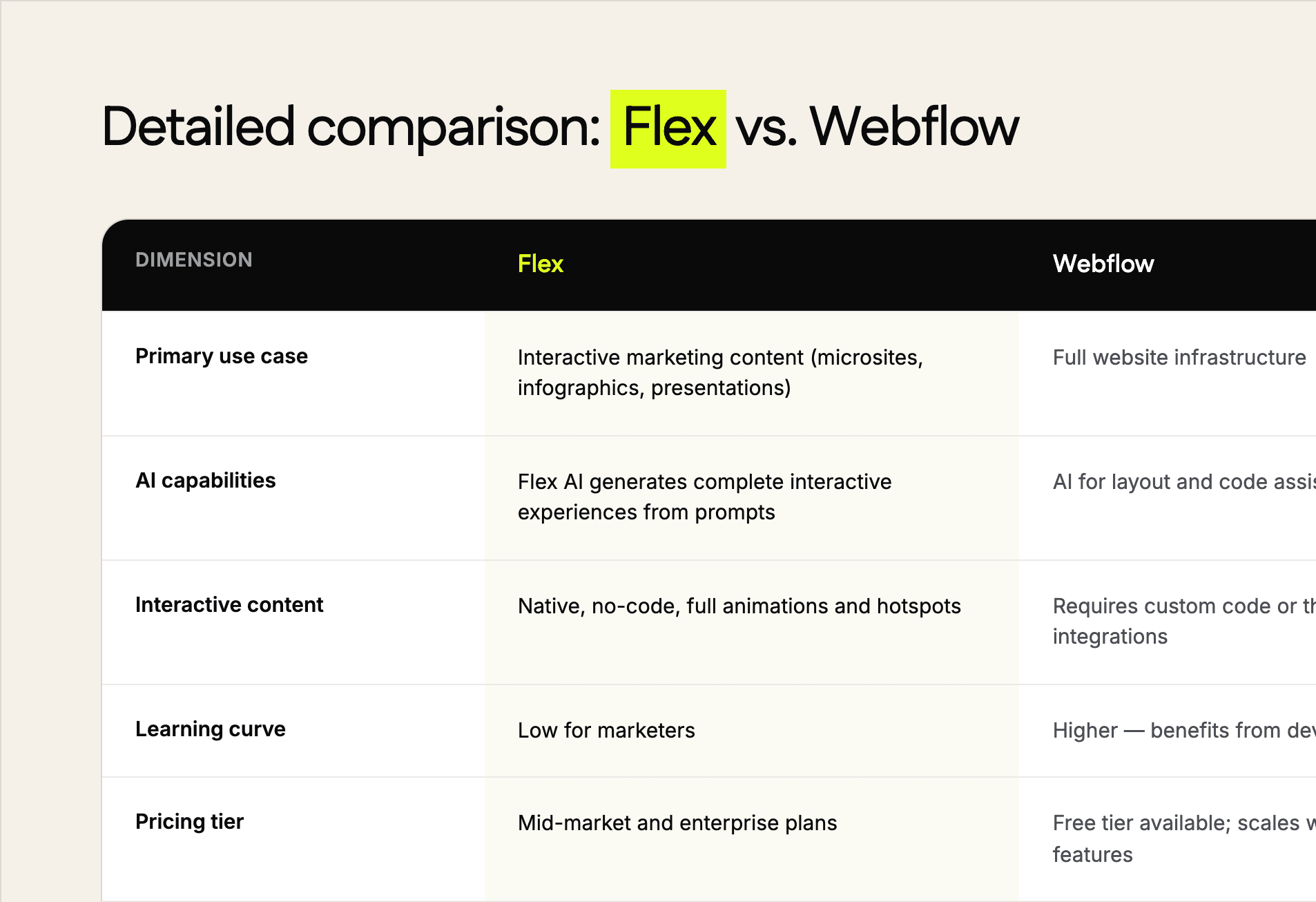
The core distinction is purpose. Webflow is infrastructure — built to maintain a website that serves as a persistent digital property. Flex is a content production platform, built for marketing teams to create rich, interactive experiences for campaigns, launches, and demand generation programs without pulling developer resources into every project.
If your team is asking "how do we build our website," Webflow is a legitimate answer. If your team is asking "how do we create campaign content that performs better than a PDF or a static landing page," Flex is the answer.
Pricing comparison
Webflow has restructured its pricing several times in recent years. As of 2026, it offers a free plan with significant limitations, site plans starting in the range of $14–23 per month for basic publishing, and workspace plans for teams that scale based on seats and CMS usage. E-commerce and enterprise tiers add significant cost. Exact pricing should be verified at webflow.com, since tiers and rates change.
Flex is positioned as a mid-market and enterprise platform. Pricing is based on team size, usage, and contract terms. Contact the Ceros sales team directly for current pricing.
Framer offers a free plan for personal use, with site plans starting around $10–20 per month for custom domains and removing Framer branding.
Squarespace plans start around $16–25 per month, with e-commerce and advanced plans at higher tiers.
Duda is priced for agencies, starting around $19 per month for basic plans and scaling significantly for team and white-label plans.
How to choose the right tool
Use this framework to match your situation to the right platform:
Building a marketing website that needs to persist, scale, and be maintained over time, with developer support available (or willing to learn)? Start with Webflow or Framer.
Creating campaign content, interactive experiences, or digital assets that need to launch fast and perform across channels without developer dependencies? Look at Flex.
A small business that needs a clean, simple website with minimal setup and straightforward content needs? Squarespace is the lowest-friction path.
An agency managing websites for multiple clients that needs white-label tools and multi-site management? Evaluate Duda.
A developer or engineering-led team that wants visual design tooling with full infrastructure control? Webstudio is worth investigating.
The most common mistake is assuming a website builder and a content experience platform are interchangeable. They solve different problems. If you're comparing Webflow to Flex, you're probably asking the wrong question — the right one is whether you need website infrastructure or a content production platform.
Looking for a Webflow alternative?
When searching for an alternative tool, the goal isn’t just to find a replacement. You want to choose a tool that can go above and beyond for you. In the context of web development, that means building a site that users visit and just go ‘wow’. We’re talking about interactive sites. And that’s where Ceros shines.
You can schedule a free demo to see how Ceros can get the job done. If you like what you see, we’ll pick it up from there.
Frequently asked questions
Webflow alternatives FAQS